

 Real-time Annotation
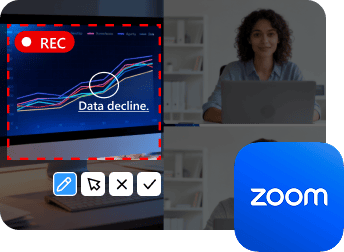
Vidmore Screen Recorder allows you to take notes at any time while recording, adding text, lines, arrows, and highlights to emphasize important information. This feature allows you to mark key moments, explain complex ideas, or draw attention to specific areas on the screen. All of these will make your recordings more interactive, clear, and easy to follow!
An easy-to-use screen recording software that allows you to capture any part of your screen, record HD video and audio, and take screenshots.
Starts at: $14.95$29.90 per month
 Internal & External Audio
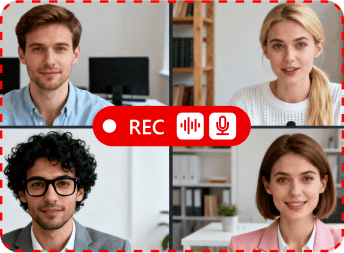
Unlike the built-in screen recorder, Vidmore Screen Recorder can achieve recording both system audio and microphone input at the same time, so you can fully capture other people’s voices and your own, which is perfect for webinars, game streams, tutorials, or interviews. With it, you will capture the whole process of your Zoom meeting.
An easy-to-use screen recording software that allows you to capture any part of your screen, record HD video and audio, and take screenshots.
Starts at: $14.95$29.90 per month
 Scheduled Recording
Vidmore Screen Recorder can help you set up recording tasks in advance, so you can schedule when the recording should start and stop automatically. This feature is especially useful if you cannot be present at your computer on time, as it ensures that your Zoom meeting or lecture is captured in case you forget to start it manually.






Vidmore Best-Value Bundle to Edit Your Video
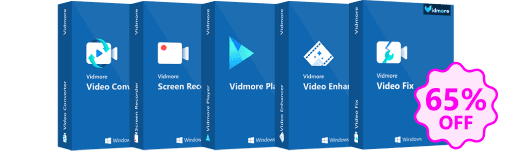
Vidmore Family Bundle = Video Converter + Screen Recorder + Vidmore Player + Video Fix + Video Enhancer
Lifetime Price:$101.41 $289.75