








Explore the Best MP3 to M4A Converters for 2026 [Expert Reviews]
Want the best MP3 to M4A converters? Selecting the best converter is not just about the file conversion. It is about balancing speed, compatibility across devices, and audio quality. While MP3 remains the universal standard, M4A can still offer superior compression and clarity, making it ideal for Apple ecosystems and modern streaming platforms. So, if you are looking for the best converters that can help you transcode MP3 to M4A, read this post as we offer all the best tools you can access. Thus, read here to explore more.

PAGE CONTENT
Part 1. How We Test the Best MP3 to M4A Converters
In this section, we will explain how we test all the converters we have recommended. This way, you'll get enough insights why they have become the most reliable converters out there.
- Conversion Speed - Our team measures how quickly each tool can convert files from single track to large batches.
- Audio Quality Preservation - We also check if the converters can maintain the clarity, compression efficiency, and proper bitrate consistency. It is to ensure that you can get a better listening experience.
- Ease of Use - We also check the layout/interface of the converters, along with workflow, and accessibility for both advanced users and beginners.
- Privacy and Security - Our team ensures that all your data and files are safe and cannot be shared without your permission.
Part 2. Why Convert MP3 to M4A
Do you wonder why you need to transcode MP3 to M4A? Then, you can check all the reasons in this section.
Better Sound Quality and Smaller Sizes
M4A can compress audio more efficiently compared with MP3. It can give a clearer sound while maintaining a smaller file size.
Optimized for Apple Devices
M4A is a standard format for iPhones, iPads, and iTunes. Using this format ensures that you can have better and smoother playback and syncing.
Future-Proof Format
M4A is built on the MPEG-4 standard, making it the 'successor' to the aging MP3. By switching now, you're future-proofing your library for 2026 hardware while enjoying the benefits of ALAC (Apple Lossless) compatibility.
Streaming Compatibility
Some of the apps and modern platforms prefer using M4A since it balances the quality and bandwidth usage.
Part 3. Comparison of the Best MP3 to M4A Converters
If you want to get more insights about the best MP3 to M4A converter, you can view the table below.
| MP3 to M4A Converters | Speed and Efficiency | Batch Support | Privacy and Security | Best Use Case |
| Vidmore Video Converter | Up to 50× faster | Yes | Local processing, safe | High-quality, frequent conversions |
| CloudConvert | Depend on the internet | Yes (with limitation) | Cloud-based, data uploaded | Quick online conversions |
| Shutter Encoder | Standard | Yes | Local processing | Advanced users needing codec control |
| Apple Music | Standard | Yes (with limitation) | Local, safe within Apple ecosystem | Seamless Apple device integration |
| Zamzar | Depend on the internet | Yes (with limitation) | Cloud-based, privacy concerns | Occasional, no-install conversions |
Part 4. Best MP3 to M4A Converters
If you want to start exploring the best MP3 to M4A converter, you can read all the details in this section.
1. Vidmore Video Converter
Best for: All in one conversion with high-quality retention.
Rating: 4.5 / 5
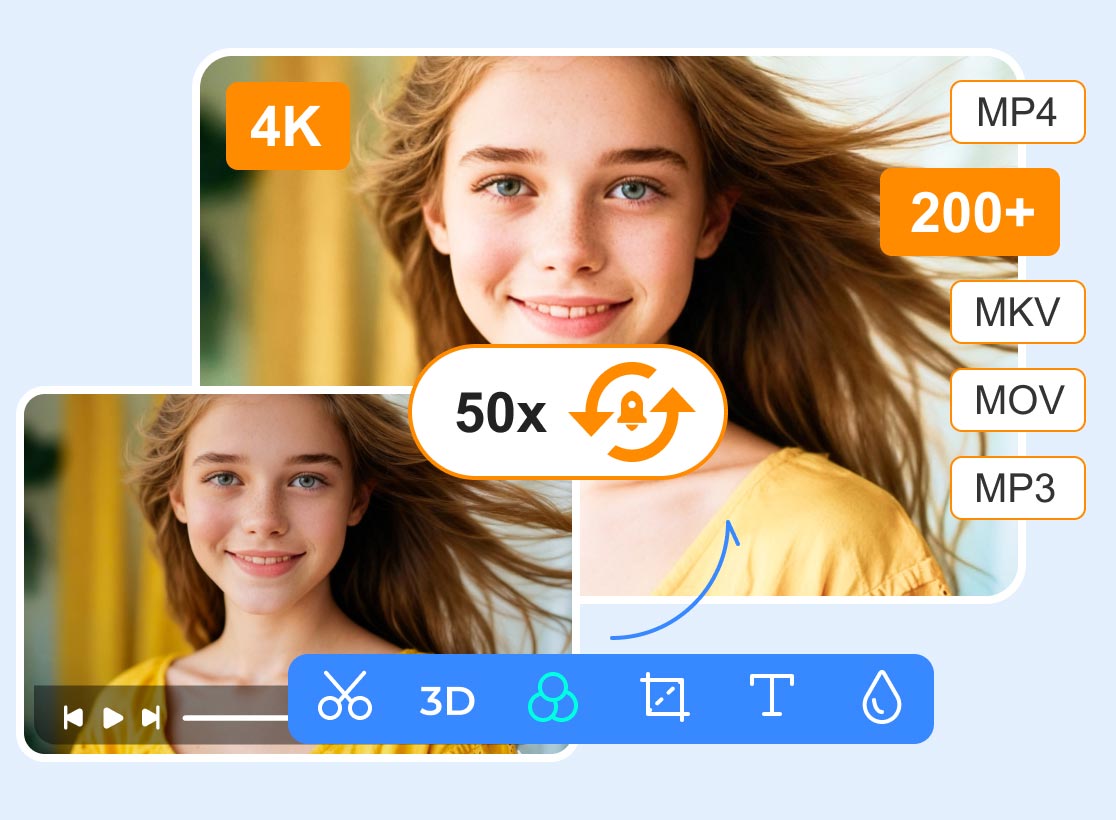
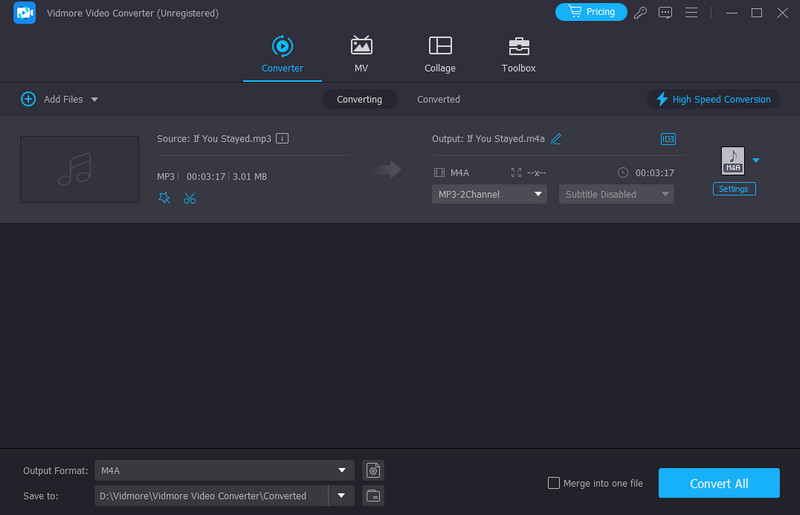
Do you want a free MP3 to M4A converter? Then, we suggest using Vidmore Video Converter. This program is ideal if you are using your Windows or Mac computers. What we like about this converter is it can give you a fast conversion speed for up to 50× faster. It also has a comprehensive user interface for a smoother procedure. Additionally, it ensures to give you a better audio quality for up to 320 kbps, ideal for better listening experience.
Pros:
- The program can preserve the metadata of the file.
- Its layout is user-friendly.
- The software can also support various formats, such as AC3, FLAC, WAV, and more.
Cons:
- For more features, use the premium version.
2. CloudConvert

Best for: Quick online conversion without installing software.
Rating: 4.5 / 5
CloudConvert is a web‑based converter that allows you to transform MP3 files into M4A directly from your browser. It offers flexible settings, integration with cloud storage, and supports a wide range of formats. It can even convert other audio formats, such as MP3 to M4A, AAC to FLAC, WAV to MP3, and more.
Pros:
- The layout of the tool is simple.
- It is available to all web platforms.
Cons:
- It requires a stable internet connection.
- Some features are available on the paid version.
3. Shutter Encoder
Best for: High-grade conversions and editing workflows.
Rating: 4 / 5
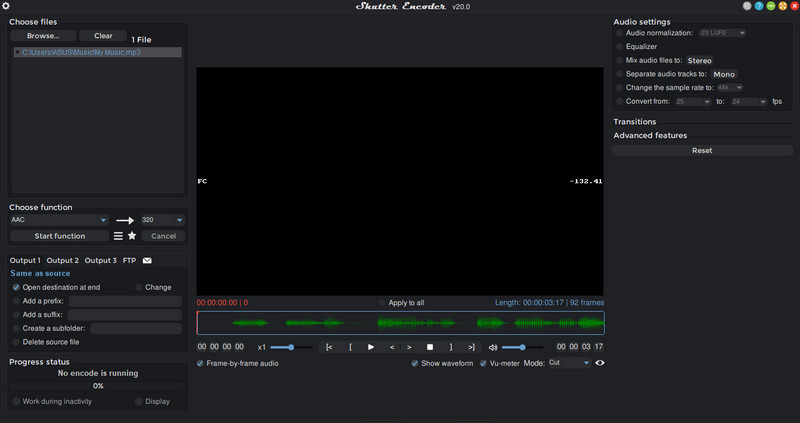
Shutter Encoder is a professional‑grade, free tool that excels in audio and video conversions. It provides advanced codec options, making it ideal for users who want precise control over output quality. What we like here is that besides dealing with audio, it can also convert video files, making it more accessible to all users.
Pros:
- It can offer powerful encoding options.
- The tool can handle advanced codecs.
Cons:
- The interface might be confusing to some beginners.
4. Apple Music
Best for: Seamless conversions within the Apple ecosystem.
Rating: 4 / 5
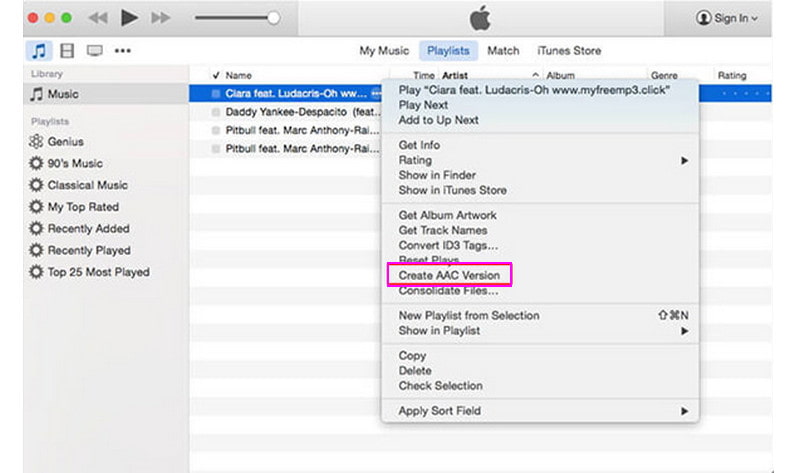
You can also use the Apple Music app since it can offer its builtin feature to convert MP3 files into M4A seamlessly. It ensures smooth playback across Apple devices and preserves metadata during conversion. It can even ensure that you can still have the original quality after the conversion. You can even convert other audio formats, including MP3 to M4R, M4A to MP3, AC3 to MP3, and more. However, it is limited in format flexibility and primarily benefits users within the Apple ecosystem.
Pros:
- The software is ideal for any Apple device.
- It ensures to preserve the metadata.
Cons:
- It has a slower batch conversion.
- It is not available on all platforms.
5. Zamzar
Best for: Simple conversion process.
Rating: 4.5 / 5
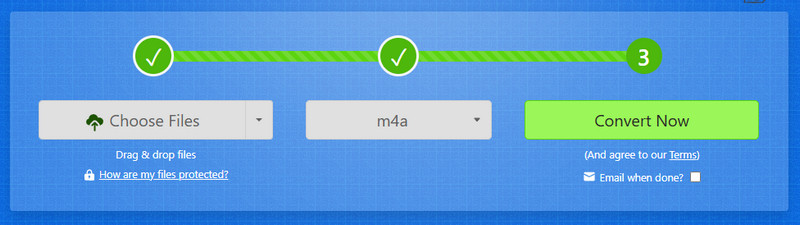
Another online-based MP3 to M4A format converter you can rely on is Zamzar. This tool is helpful if you want to easily convert your audio files without encountering any trouble. You can even convert multiple files, thanks to its batch conversion features. The best part here is that you can access it on all browsers.
Pros:
- The tool doesn't require any installation.
- It can support many formats, such as M4R, OGG, FLAC, WAV, and more.
Cons:
- The free version has various restrictions.
Part 5. FAQs about MP3 to M4A Converters
Does converting MP3 to M4A improve sound quality?
It does not add quality. Converters can preserve the original quality from the MP3 file for better and satisfying audio playback. Plus, M4A is much better at preventing generation loss if you plan on editing the file later.
Can I batch convert MP3 to M4A?
Definitely, yes. There are various converters you can use to convert multiple MP3s. Some of them are Vidmore Video Converter, CloudConvert, Zamzar, and more.
Which converter is ideal for users?
If you want the best converter, you can try accessing Vidmore Video Converter. This program is accessible on both Mac and Windows. It can even offer a faster conversion speed, comprehensive interface, and has basic editing features.
Conclusion
Now, you have explored the best MP3 to M4A converters. So, if you want to convert your files, choose your desired converter to achieve your goal. You can also use Vidmore Video Converter if you want a smooth conversion process. It can even ensure to give the original quality and preserve metadata, leading to better listening experience.