








6 Best AI Music Maker Tools for Generating Music Without Professional Skills
You may need an AI music maker to generate original audio tracks or background songs when you don’t have the skills, time, budget, or ability to produce them yourself.
In most cases, for most casual music lovers, especially with no musical training, you may want to make background music for social media, tutorials, ads, or just for fun. Sometimes, you are on a tight budget and can’t afford to purchase expensive equipment or hire a composer or a full audio team. An AI song maker saves time, cuts costs, and removes technical barriers. What’s more, it can often deliver high-quality-sounding results in minutes. Keep reading and check out the 6 best AI music generator recommendations.

PAGE CONTENT
Part 1. How AI Music Generators Really Work
Modern AI music makers or generators rely on deep learning architectures to analyze massive datasets of existing music and learn patterns of rhythm, harmony, melody, and structure. Generally, they lean on diffusion and transformer architectures trained on mountains of raw audio.
When you type a prompt, such as a genre, key, or mood, the AI model will interpret your intent, sample from its learned knowledge, and then produce a complete track that fits your constraints.
Part 2. Top 6 AI Music Maker Comparison - Vocals, Exports & Price
Before digging into detailed reviews, this section would like to give you a quick comparison of the 6 AI-powered music generation tools.
| AI Music Maker | Best For | Ease of Use | Music Quality | Export Formats | Starting Price |
| Suno | Create stunning original music in seconds | Very Easy | Excellent (vocals) | MP3, WAV, MIDI, Stems | Free $8/mo (Pro) $24/mo (Premier) |
| Udio | Precise audio fidelity and control | Moderate | Excellent (instrumental) | MP3, WAV (paid), MIDI | Free $10/mo (Standard) $30/mo (Pro) |
| AIVA | Cinematic and orchestral scores | Moderate | Excellent (classical) | MP3, MIDI, WAV | Free €15/mo (Standard) €33/mo (Pro) |
| Soundraw | Royalty-free beats and background music | Easy | Good (instrumental) | MP3, WAV, Stems | $11.04/mo |
| Beatoven.ai | Mood-based background music | Easy | Decent (instrumental) | MP3, WAV | Free / $6/mo |
| Boomy | EDM-style sweeps and drops, rap beats, and relaxing music | Very Easy | Moderate | MP3, WAV (paid) | Free $9.99/mo (Creator) $29.99 /mo (Pro) |
Part 3. Learn More About The 6 Best AI Music Generators Tested
You can select the desired AI music maker according to your specific music generation needs. Based on the comparison table above, you can quickly find one that analyzes your prompt or footage and creates tracks. Note that you should treat these AI tools as a helper, not a replacement for genuine creative direction.
1. Suno AI Music Generator
Score: 9.2/10
Best for: Creating full songs (music, beats, and lyrics) for free in seconds
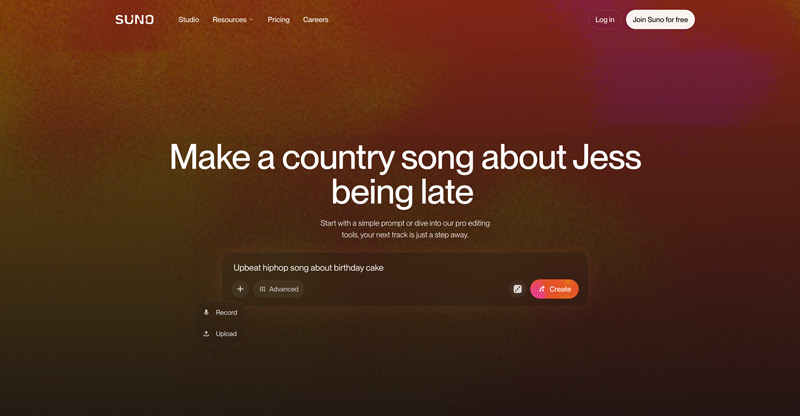
Suno is the largest AI music generation platform that can turn any idea into a real, full song. It lets you start with a simple prompt, a recording file, or an uploaded audio. It has over 2 million paid subscribers and roughly 7 million songs generated daily. The latest V6 model allows you to create the most natural-sounding AI vocals on the market easily. Moreover, its generated tracks won’t be immediately flagged as AI-generated.
Pros:
- Often delivers the best vocal quality.
- Generates complete songs from a single text prompt in seconds
- Offers free AI models and 50 credits per day.
Cons:
- Advanced models are limited to its Pro and Premier plans.
- Free tier songs cannot be downloaded and used commercially.
2. Udio AI Music Maker & Studio
Score: 9.0/10
Best for: Precision editing and refinement
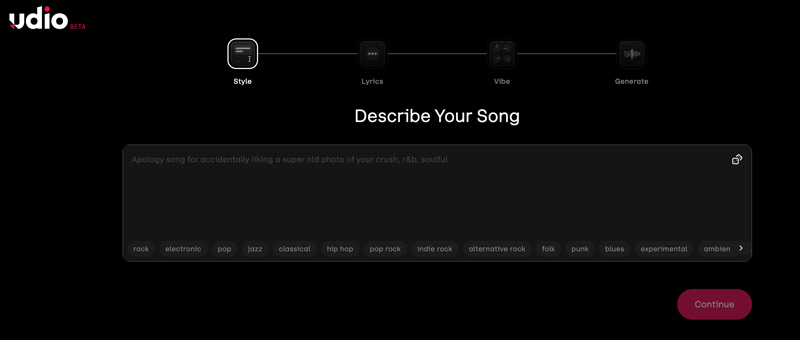
Udio equals Suno AI music maker’s sound but gives a more powerful edit bar that slices, morphs, and stretches sections on a timeline. Its strength lies in higher audio fidelity on complex arrangements, such as jazz and classical. The advanced Extend feature enables you to make section-by-section composition with ease. What’s more, the v3 release added MIDI stem export.
Pros:
- The free version lets you make music with a limited daily quota.
- Allows MIDI stem exports for DAW integration.
Cons:
- The free plan comes with various limits.
- 3 full-length (2:10s) song generations per day.
- 10 credits per day and 100 credits per month.
- Generates up to 4 songs at the same time.
3. AIVA AI Music Generation Assistant
Score: 8.6/10
Best for: Cinematic and orchestral scores
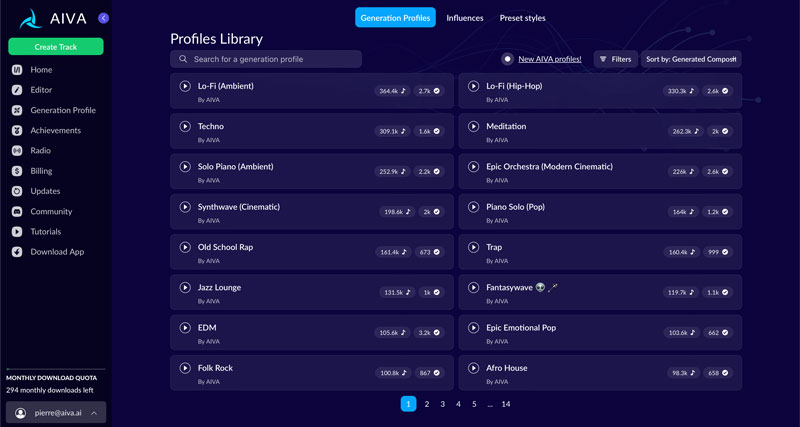
AIVA is a popular music generation assistant that can compose original instrumental soundtracks, cinematic scores, and all types of background music using AI. AIVA remains the go-to tool for emotional instrumental compositions. Unlike Suno and Udio, which focus on vocal songs, it specializes in cinematic scores, classical orchestral pieces, and electronic music.
Pros:
- MIDI export for music editing in Logic, Ableton, or Cubase.
- Full copyright ownership on Standard and Pro plans.
- Built-in DAW-style editor.
Cons:
- Instrumental only, no vocals.
- The free plan has many limits, and copyright is owned by AIVA.
- Paid plans still have limits on songs per hour and per day.
- Requires creating an AIVA account to sign in and use.
4. Soundraw AI Music Generator
Score: 8.3/10
Best for: Royalty-free beats and loop-based background music
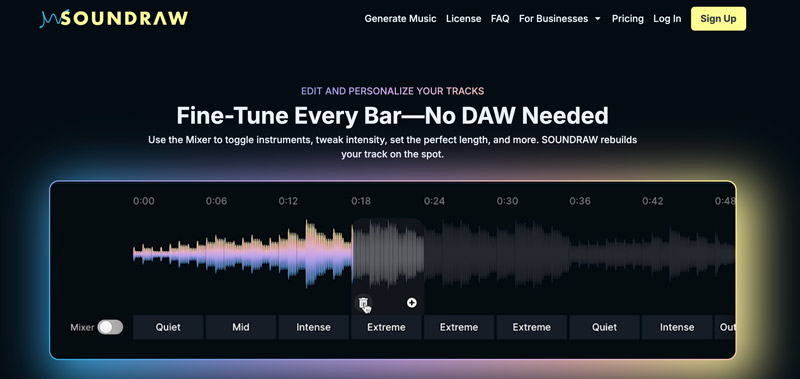
Soundraw is widely used for creating royalty-free beats and client-ready looping mood backgrounds. This AI music maker enables you to customize instrument intro/outro and length instantly. Soundraw is built specifically for content creators who need background music. You pick a genre, theme, mood, length, and tempo, and the AI generates multiple variations you can customize section by section.
Pros:
- Unlimited MP3 downloads on Creator plan.
- Lifetime licensing on generated tracks.
- Clean commercial licensing.
Cons:
- Instrumental only, no vocals or lyrics.
- No free tier for downloads.
5. Beatoven.ai
Score: 8.1/10
Best for: Mood-based background music that fits your content
Beatoven.ai is an AI music generator that lets you create and customize tracks according to your needs. It is a popular music generation platform that takes an emotion-first approach. Instead of detailed musical prompts, it allows you to describe the mood, such as happy, tense, or cinematic. The AI will then compose an instrumental track that matches the emotional arc of your content.

Pros:
- Offers very affordable pricing metered by download minutes.
- Perpetual license on downloads.
- Mood-first interface is intuitive for non-musicians.
Cons:
- Free plan only allows you to preview, not download.
- Output quality below Soundraw for premium productions.
6. Boomy AI Song Generator
Score: 7.7/10
Best for: Complete beginners trying to create original songs with AI
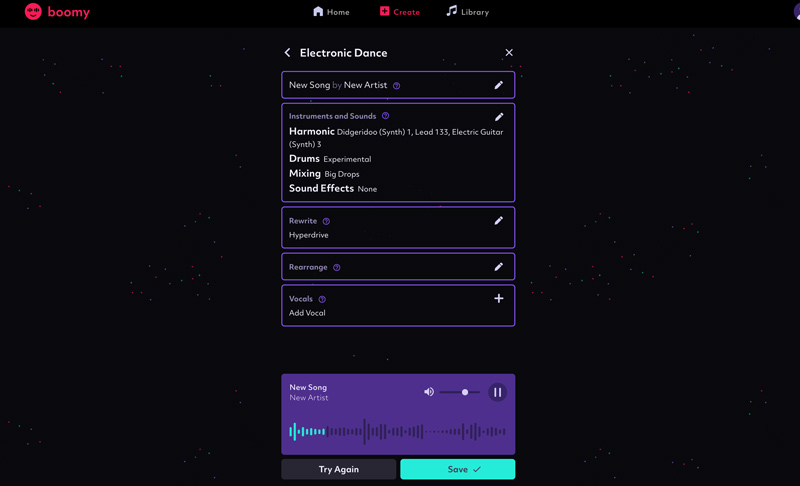
Boomy is mainly designed for beginners and most music lovers to create original songs and release them directly to major streaming services, such as Spotify, Apple Music, and TikTok. The AI music platform requires zero musical training. Unlike Suno or Udio, which focus on text-to-song generation with AI vocals, Boomy uses a simplified style-picker approach. You can choose a genre, let the AI generate an instrumental, and optionally add your own vocals.
Pros:
- Generate stunning songs in under 30 seconds.
- Free plan includes real Spotify distribution.
Cons:
- Output quality is relatively lower than Suno and Udio.
- The free plan only provides access to basic song editing tools.
- No downloads or commercial use.
Part 4. Bonus: Vidmore Video Converter for Any Audio Format of Your AI Music
Once you have generated your AI music, you may need to convert it to a specific format for your project. Vidmore Video Converter is an excellent all-in-one tool that supports over 200 file formats, including MP3, WAV, AAC, FLAC, and more.
Steps to Convert Your AI Music with Vidmore
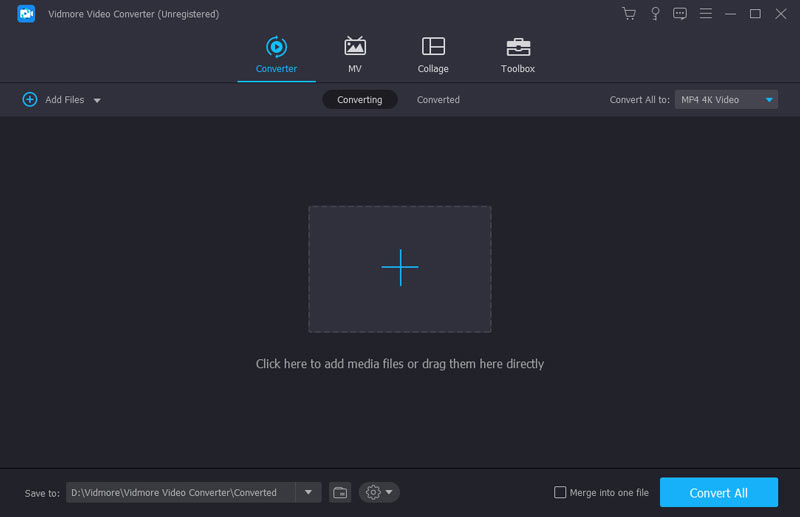
Step 1. Download and launch the software, then click Add Files to import your AI-generated audio tracks.
Step 2. Select your output format from the Audio tab. You can choose MP3, WAV, AAC, or any other format you need. Choose an output folder and click Convert All to start the conversion process.
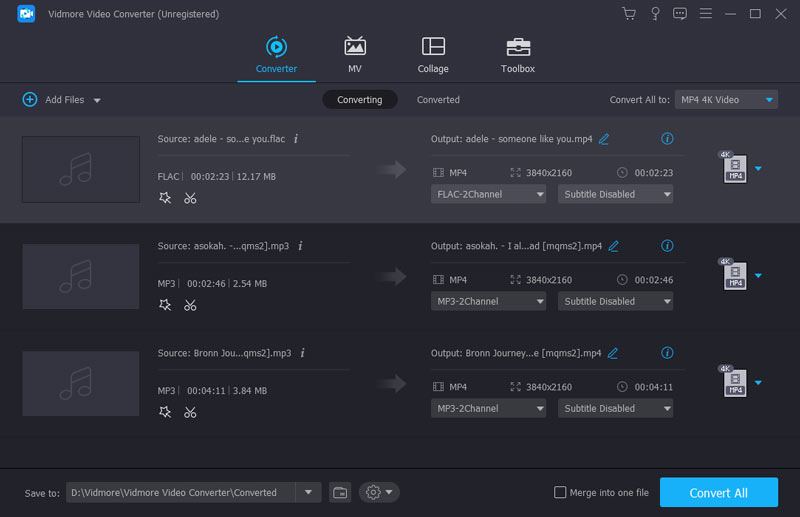
The software preserves audio quality during conversion and supports batch processing, making it ideal if you have generated multiple AI tracks.
Part 5. FAQs of AI Music Maker
Question 1. Do I need musical experience to use AI music generators?
No. More and more AI-powered music maker tools like Suno, Boomy, and Beatoven.ai allow you to create various music without related training or music skills. They are specially designed for non-musicians. You simply describe what you want in plain language or select a genre, and the AI handles composition, arrangement, and production.
Question 2. Can I use AI-generated music commercially?
It depends on the AI music generation platform/tool and your subscription. As you can learn from above, Suno Pro and Premier grant commercial rights; free tiers do not. Udio paid plans include commercial use. Always check the current license terms before publishing commercially.
Question 3. Can AI make better music than humans?
In most cases, AI can beat humans at speed, cost, and technical polish. Moreover, these AI music makers can easily generate songs that many listeners may enjoy. However, in some areas, such as emotional depth, originality, cultural context, intentional storytelling, and more, humans still lead.
Conclusion
Looking for a great AI music maker to generate background music and various tracks for social media quickly? Whether you are a content creator, a filmmaker, or a general hobbyist, select a preferred AI tool and start generating your music. You can start with free tiers, experiment with different tools, and use a converter like Vidmore when you need your tracks in a specific format.