5 Open Source Screen Recorders to Record Screen Effectively
Looking for an open-source screen recorder to record your screen for free? These recorders let you capture your screen, gameplay, and video tutorials, and support various formats. They can also offer features such as audio recording, editing options, and more. If you are looking for the best screen recorders, you should read this post. We are here to introduce various programs you can access to record your screen effectively. Plus, you will learn how to pick/choose the best screen recorder for you. Without anything else, read this article and explore more about the discussion.

PAGE CONTENT
Part 1. How to Choose the Best Screen Recorder
How to select/choose the best open source screen recorders? Read the simple explanation below for more guidance on selecting your ideal screen recorder.
- • Ease of Use – Always look for a recorder with a comprehensive, straightforward user interface.
- • Video Quality – Choose a recorder that supports high-quality formats, including 1080p, 2K, and 4K.
- • Recording Options – Check whether the recorder can capture the entire screen, custom areas, or specific windows.
- • Editing Tools – It would be better if the recorder offered prebuilt editing tools for video enhancement.
- • Compatibility – Always ensure that the screen recorder you use is compatible with any platforms. This way, you can access the recorders from anywhere without any issues.
- • Audio Support – When choosing a recorder, ensure it can record system audio and microphone input.
- • Performance – Always check that the screen recorder runs smoothly without slowing your computer.
Recommendation: Best Screen Recorder with Best Quality
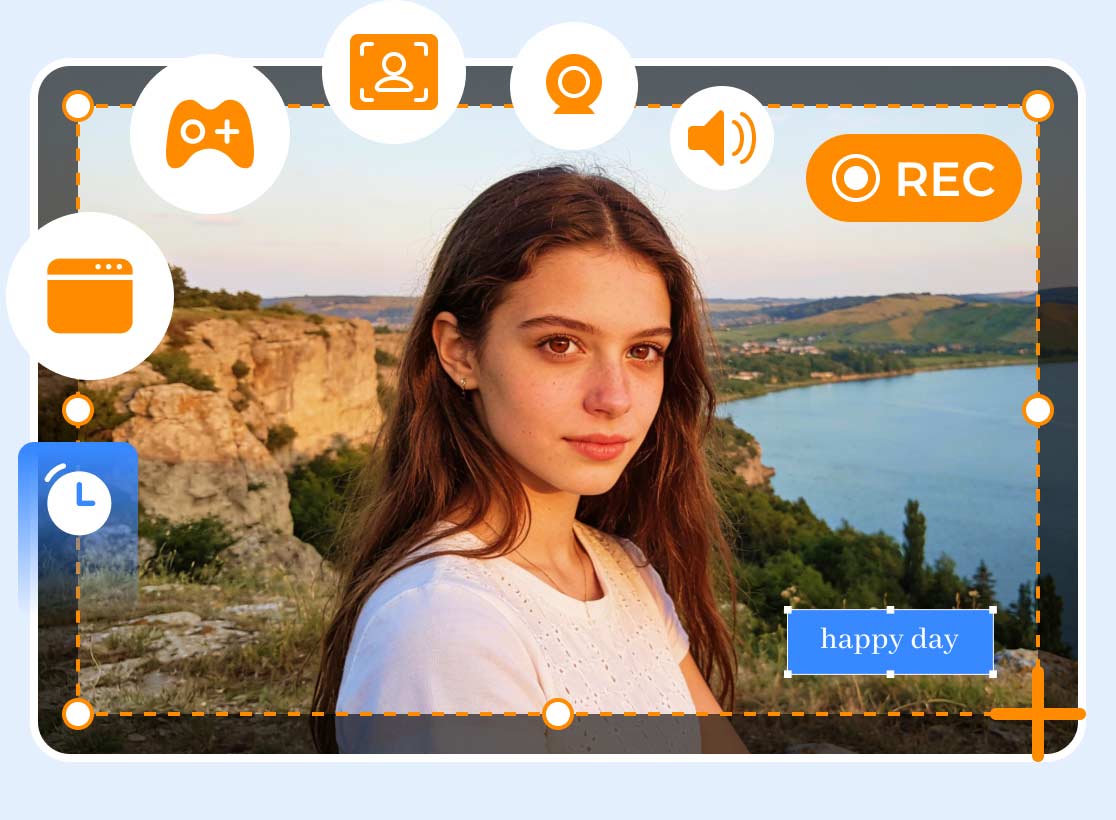
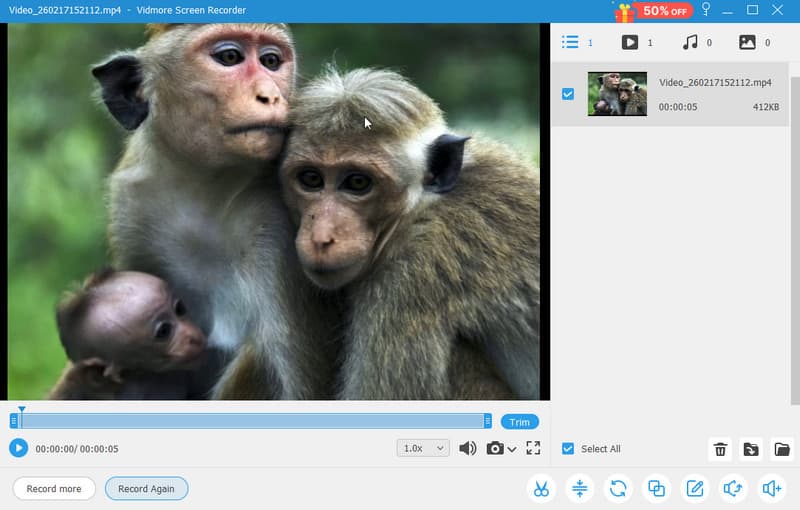
Before we recommend the best open-source screen recorder, we also recommend Vidmore Screen Recorder, an excellent alternative that can help you obtain your desired results. This program is ideal because it provides all the features you need. You can also record various content, including gameplays, meetings, tutorials, and more. We appreciate that you can edit your captured screen in many ways, including cropping, trimming, adjusting playback speed, changing output format, and more. Additionally, you can access its Snapshot feature to take a screenshot while recording the screen. Lastly, you can access this screen recorder on Mac and Windows. Therefore, if you need an exceptional screen recorder, consider Vidmore Screen Recorder.
Part 2. Top 5 Best Open Source Screen Recorders
View the simple comparison table below to review key information about the best open-source screen recorders.
| Ease of Use | Platform Support | Features | Best Use Case | |
| OBS Studio | Easy | Windows and Mac | Advanced streaming, multi-source mixing, HD/4K recording, plugins | Professional streaming & high-quality recording |
| Cap | Easy | Windows and Mac | Instant sharing links, AI transcripts, webcam overlay | Team collaboration & quick video sharing |
| Screenity | Easy | Browser-based | Annotation tools, editing, blur effects, and unlimited recording | Education, tutorials, privacy-focused recording |
| ShareX | Moderate | Windows | Screen capture, GIF creation, editing, and file sharing | Productivity workflows & quick captures |
| Open Screen | Easy | Windows and Mac | Watermark-free recording, zoom, annotations, lightweight | Simple, no-fuss recording for personal & commercial use |
If you are searching for the best screen recorders, you can check all the information in this section.
OBS Studio
Best for: Simple recording and streaming.
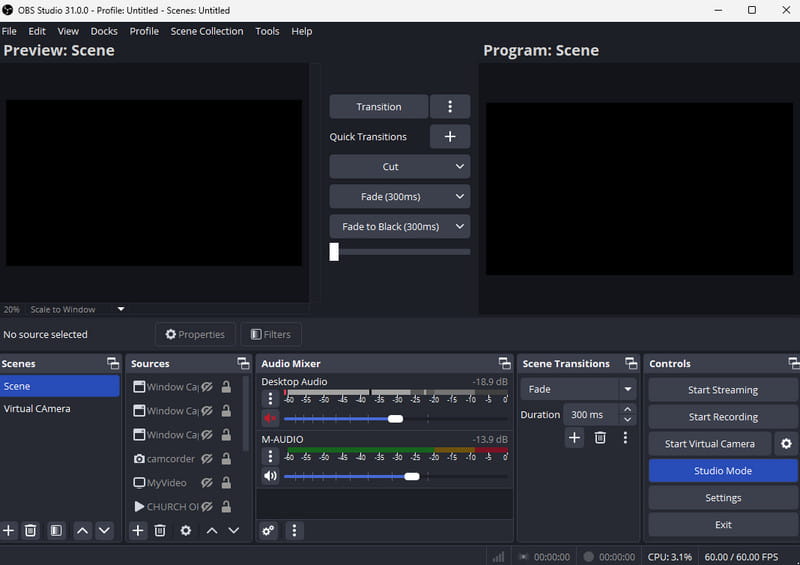
One of the best, free, open-source screen recorders for Mac and Windows is OBS Studio. With this software, you can capture any content from your screen. You can record meetings, gameplay, webinars, and more. We like that you can record your entire screen or select a specific area. In addition to the screen, you can record audio using the microphone. It ensures you can capture both video and audio for better playback. Plus, this program is ideal if you want to stream your videos to platforms like Facebook, YouTube, and more. If you need an effective open-source screen recorder, consider this program.
Pros
- The screen recorder has a simple user interface.
- It is lightweight, ideal for all computers.
- It can offer basic editing tools to improve the captured video.
Cons
- Some advanced features are difficult to locate, which can be confusing for beginners.
- It lacks advanced editing functions, so you must use an OBS alternative.
Cap
Best for: Fast sharing and team collaboration.
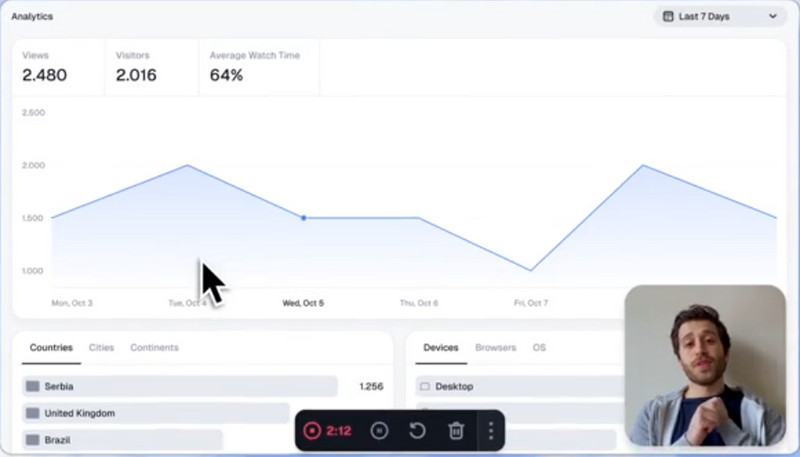
Another open source screen recorder for Mac and Windows you can rely on is Cap. This software is ideal for recording your screen. It is because you can access all the necessary features. You can capture/record the entire screen or a specific area. The benefit of this program is its advanced features, including AI-generated transcripts. This feature is ideal if you want to display a caption on your screen during recording. You can also share the recording, collaborate with your team, and save the video at the highest quality. If you want to record your screen at the highest quality for a satisfying viewing experience, look no further than Cap.
Pros
- The recorder offers advanced features to improve performance.
- Sharing the link is available.
- With its AI-generated transcripts, you can ensure that you can understand all the words during recording.
Cons
- There may be times when you encounter bugs during the process.
- The recorder is still evolving.
Screenity
Best for: Education, tutorials, and privacy-focused recording.
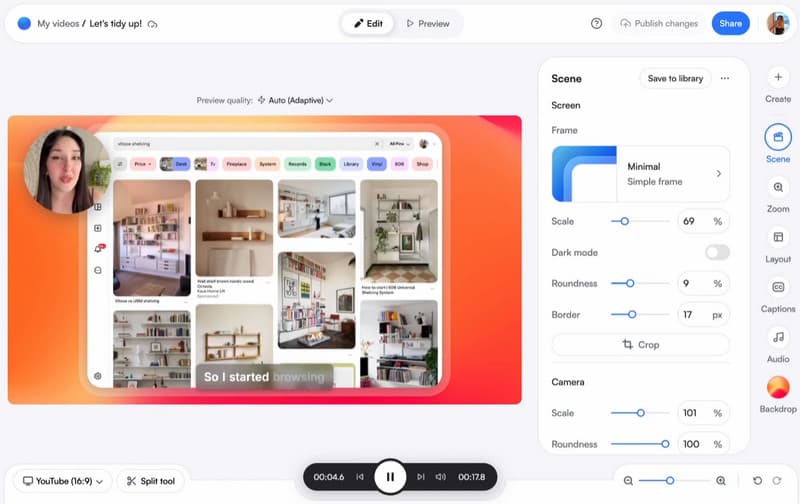
One of the remarkable open-source screen recorders is Screenity, particularly for those who appreciate simplicity and privacy. You can record tabs, apps, or your entire desktop without installing bulky software because it runs as a Chrome extension in your browser. To make tutorials or presentations more engaging, Screenity provides annotation capabilities, including drawing, text, arrows, and shapes, along with unlimited recordings with no time limit. Additionally, you can edit videos, apply camera effects, and blur sensitive areas to improve the recording. Thus, this open-source screen recorder is ideal for professionals, educators, and users seeking a fast, private, and effective solution.
Pros
- The screen recorder is completely free.
- It can offer annotation tools that are ideal for creating instructional videos.
- The tool's user interface is comprehensive.
Cons
- Since it is a browser-based screen recorder, ensure that you have a fast internet connection.
- To access additional features, we recommend upgrading to the premium version.
ShareX
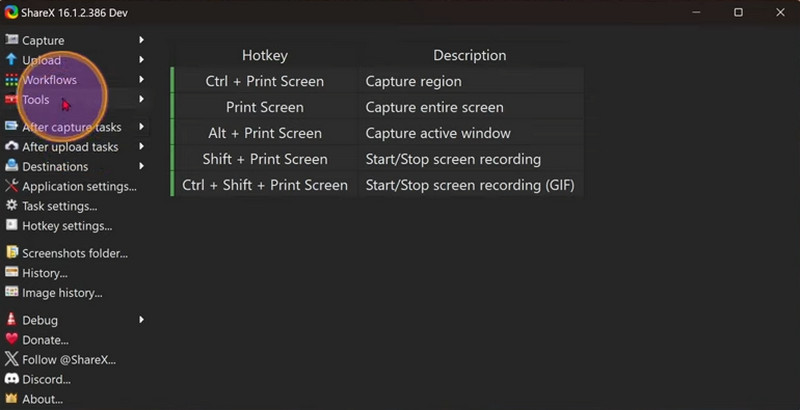
Best for: Quick captures and productivity workflow.
On Windows, ShareX is a useful open-source screen-capture tool. With a single keystroke, users can capture any area of their screen, making it fast and effective for daily use. In addition to recording, the software offers advanced features such as scrolling capture, GIF creation, and customizable workflows to improve efficiency. Sharing is made easy by its ability to upload files, text, and photos to multiple destinations. Professionals and power users alike trust ShareX, which has been actively developed for more than 18 years, for its reliability, adaptability, and free, ad-free experience.
Pros
- The screen recorder is lightweight and can offer a screenshot tool.
- It offers built-in editing tools.
- The file sharing feature is available.
Cons
- The recorder is only accessible on Windows.
- Some necessary editing functions are unavailable.
OpenScreen
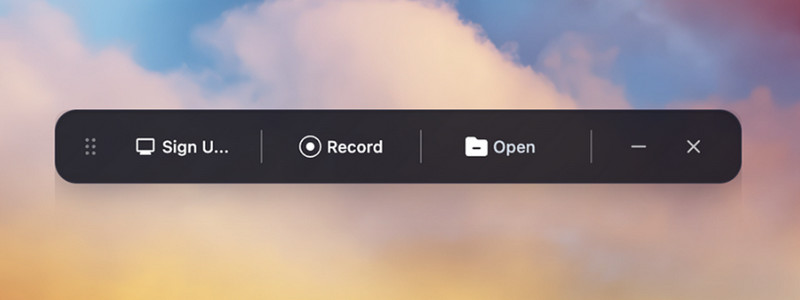
Best for: Simple, watermark-free recording.
OpenScreen is a great open-source screen recorder that is easy to use, robust, and unrestricted. It is ideal for both personal and business use, enabling users to produce high-quality recordings without watermarks, subscriptions, or additional fees. Plus, OpenScreen was designed for developers and regular users, emphasizing privacy and usability while avoiding unnecessary tracking and confusing interfaces.
Pros
- The recorder ensures no watermark is inserted after saving.
- It is lightweight, making it suitable for low-spec computers.
- It has a simple screen recording process.
Cons
- It offers fewer features than other open-source screen recorders.
- There are times when the screen recorder is not performing well.
If you are looking for a reliable open-source screen recorder, the options we mentioned above are the best available. The upside is that you can access all the features you need, making them ideal for all users. If you want to record your computer screen, you can use any recorder to achieve your preferred outcome.
Part 3. FAQs about Open Source Screen Recorder
Can I edit my videos with open-source screen recorders?
Definitely, yes. Almost all screen recorders offer built-in video editors to enhance the video. Some of the editing tools you can use are cropper, trimmer, cutter, playback speed adjuster, and more. Thus, if you want to enhance your videos, you can rely on the screen recorders.
Is there a watermark on the video after using open-source screen recorders?
What we like about using open-source screen recorders is that they don't add a watermark to the video, unlike some free recorders. With that, you can ensure a smooth, uninterrupted viewing experience.
Are open-source screen recorders safe to use?
Absolutely, yes. Most of the open-source screen recorders are safe to use. You can record any content without encountering issues, errors, viruses, or other problems.
Conclusion
Open-source screen recorders are among the best tools for recording your screen smoothly. They can even offer all the best features you need during the process. Thanks to this review, you have discovered all the ideal screen recorders. In addition, if you want a non-open-source screen recorder that delivers the best screen recording quality, use Vidmore Screen Recorder. This program lets you record content from your desktop and use basic and advanced editing to enhance captured videos, making it one of the most powerful recorders.