Here are 6 HD Movie Maker Pro Alternatives to Try in 2025
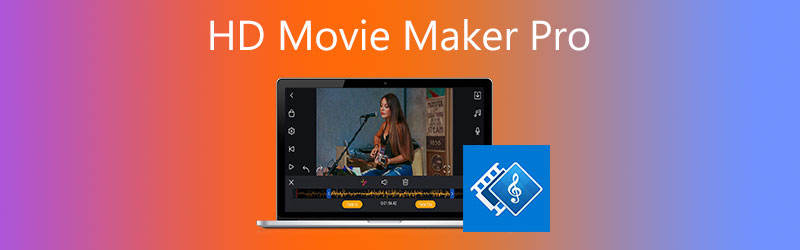
If you are searching for simple yet efficient video editing and movie making software, then HD Movie Maker Pro can prove to be an excellent choice. Whether you are working on a project related to work or editing some video you made on your family vacation, HD Movie Maker Pro can be an excellent option. If you still have HD Movie Maker Pro, you can continue to use it, but if the program can’t work correctly or you get a new PC and can't transfer the program, you’ll have no other choice but to look for alternatives. In this article, let us explore HD Movie Maker alternatives that are the best bet for anyone who is looking to make a wonderful video.

Part 1. Why Work on HD Movie Maker Pro?
There are several reasons for you to choose HD Movie Maker Pro as your movie editing software. Some of the best features are listed below
- HD Movie Maker Pro supports a wide range of formats, including but not limited to MKV, MP4, WMV, MPEG, MTS, GIF, PNG, M4A, AVI, MOV, MTS, JPG, and WAV.
- You have the option to work on up to 1000 photos in a single project (depending on the capabilities of your computer, video encoding time increases as the number of photos increase).
- You can overlay emoticons, text captions, sound clips on video clips, and text captions.
- Animated pan-zoom option for still photos.
- 30+ transition effects such as wave, cross-zoom, ripple, fade, square wipe, etc.
These are just a few reasons why HD Movie Maker Pro can be a solid choice for you to work with. You can find a whole suite of great features built right into the platform.
Part 2. Why Do I Need HD Movie Maker Pro Alternatives?
If HD Movie Maker Pro is so good, why do you need to look at the alternatives? Unfortunately, due to unknown reasons, Microsoft decided to decommission its flagship video editing platform. However, the show must go on, and rather than feeling sad about the demise of HD Movie Maker Pro; we need to move and look at the best alternatives.
Part 3. Best Alternatives to HD Movie Maker Pro
There are hundreds of alternatives to choose from, but we will only take a look at the best ones in this guide. We have compiled a list of the six best alternatives to HD Movie Maker pro. We will discuss each one of these briefly, and you can choose the one that you find the best.
1. VidHex Video Enhancer
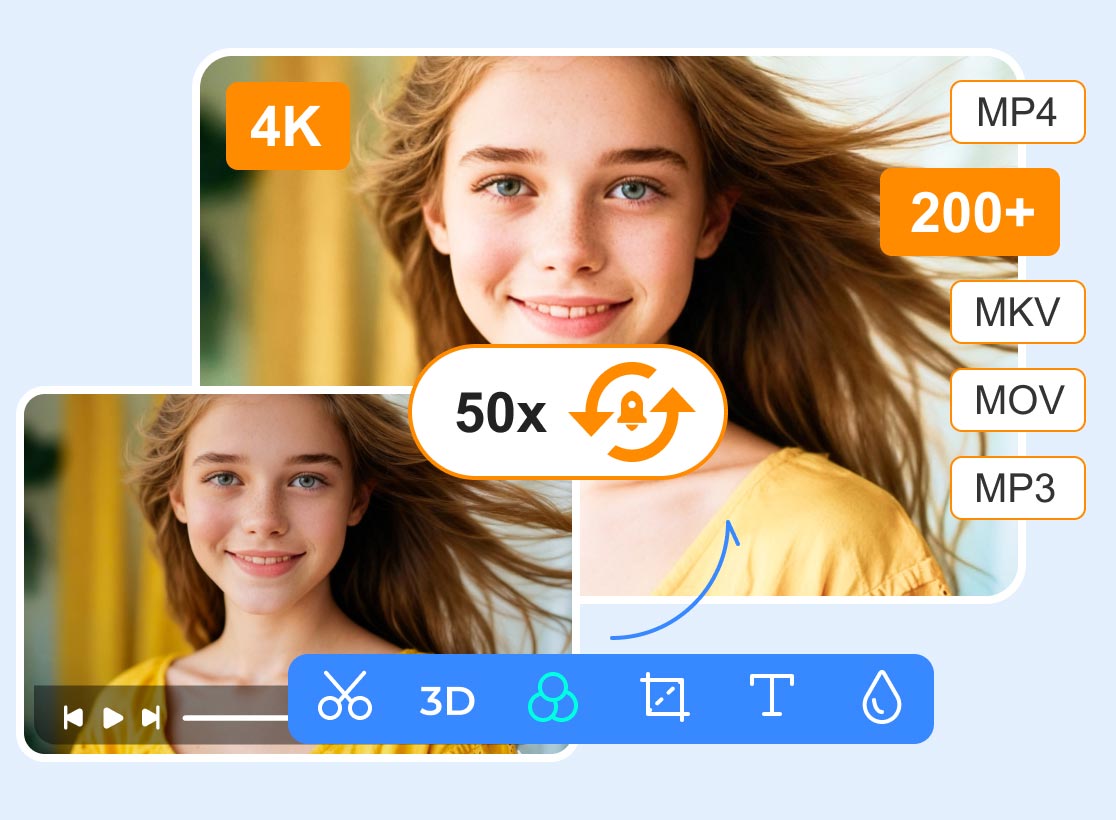
VidHex Video Enhancer is probably the best alternative to HD Movie Maker Pro. It is a great platform that offers a lot of AI models and utility. It is very easy to use, and the interface is very engaging and intuitive. Let’s take a deeper look at how you can use VidHex Video Enhancer for all your video-making needs.
Features:
VidHex Video Enhancer is packed with excellent features, and you cannot go wrong with choosing this platform as your HD video maker. It allows you to create your own movies using a bunch of great features, like:
- Enhancing movies to HD with AI
- Various AI models to colorize, denoise, stabilize, and add frames to movies.
- Choose themes
- Apply video effects
- Add background music

We have barely scratched the surface with all the features offered by VidHex Video Enhancer. Choosing it as your alternative to HD Movie Maker Pro will give you an equally excellent experience without having to compromise on quality. Moreover, you can also try Vidmore Video Enhancer to use it to convert your movie to over 200 formats easily, such as MP4 to MOV, VOB to MKV, etc.
2. Adobe Premiere Pro
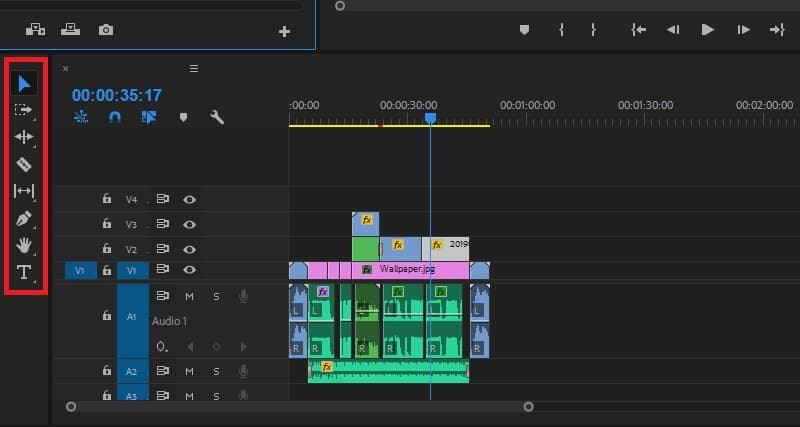
Adobe is one of the best video software around. It has been used extensively and can serve as a perfect replacement for HD Movie Maker Pro. Here are some of the key features of Adobe Premiere Pro:
- You have the option to work on more than one project simultaneously. This feature is handy if you are professional and need to work on multiple projects.
- You are provided with numerous motion graphics templates so you can design your project in the way that you like the best.
- The UI offered by Adobe Premier Pro is very interactive and easy to navigate. There is undoubtedly a learning curve, but it is not that much.
3. VideoPad Video Editor
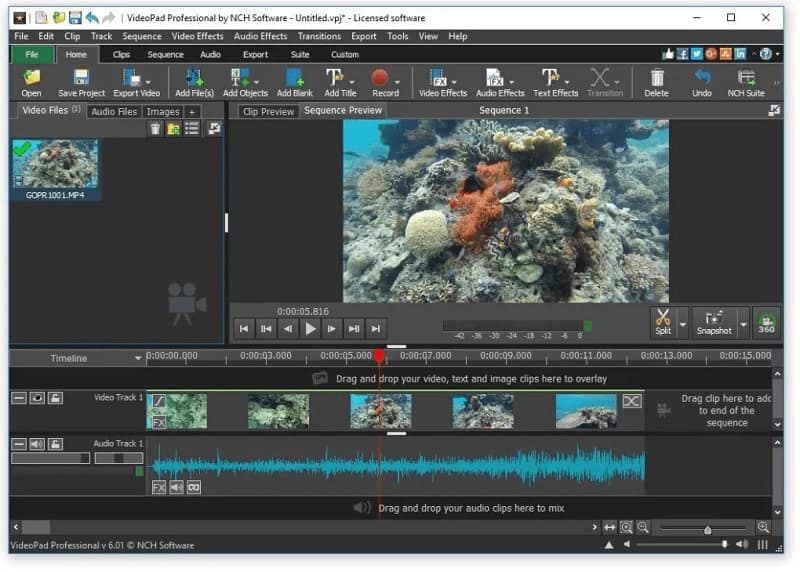
VideoPad is also a very cool video editor that you might want to look at in your search for a good video editor. It has many features, among which few are mentioned below:
- You can directly upload videos online using Videopad.
- You can export videos to your TV for viewing.
- Last but not least, you can edit the audio of your video files with a whole suite of features.
4. Openshot
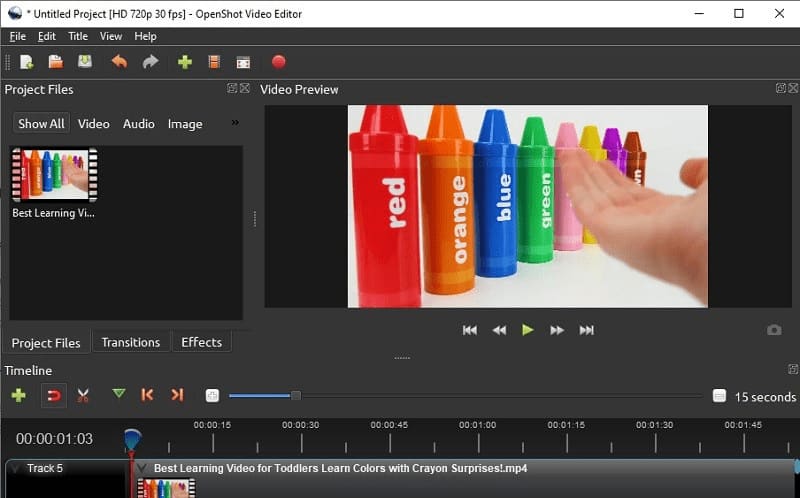
Openshot is a great video editing platform and comes with the following features:
- It is a cross-platform video editing platform which means you can switch between Windows, Linux, and Mac.
- It supports a wide range of audio and video formats for you to work on.
- Drag and drop support which makes video editing a breeze.
5. VSDC Free Video Editor
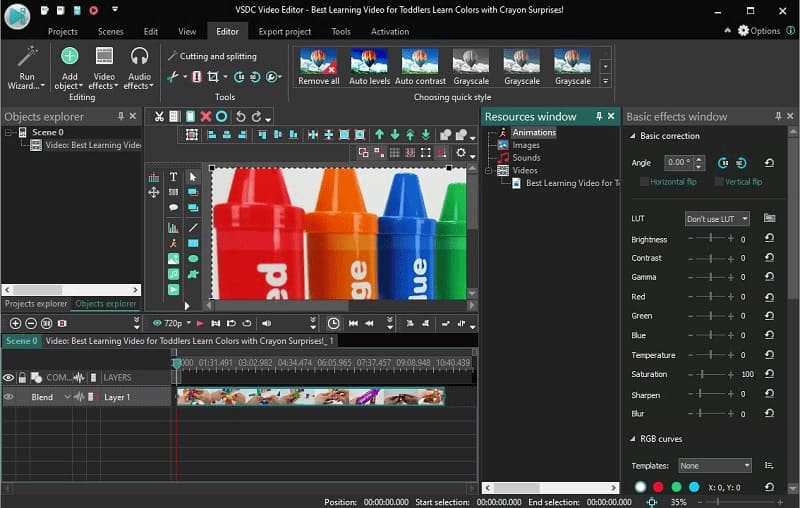
VSDC, as the name suggests, is a free video editing platform that offers many features. Some of these are discussed below:
- A wide range of filters for videos and images.
- A huge library of powerful tools that help you edit like a pro.
- Support for a wide range of formats.
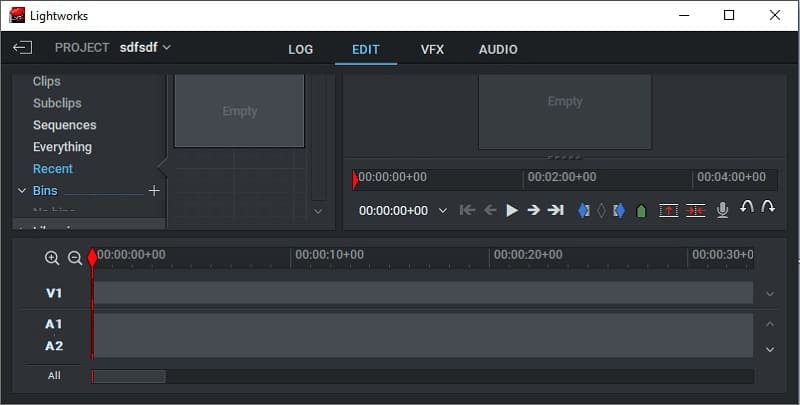
6. Lightworks
Lightworks is a trendy platform. It started offering video editing services in the early ’90s, which shows how old and time-tested this platform is. Here are some of the reasons to consider it your next video editor.
- Lightworks is optimized for speed which means you get incredible speed and can finish your projects fast.
- Unmatched format support.
- Works perfectly with all the major platforms such as Windows, Linux, and Mac.
Part 4. FAQs of HD Movie Maker Pro Alternatives
1. What is HD Movie Maker Pro?
HD Movie Maker Pro is a video editing platform that you can work on your photos and videos.
2. Where does HD Movie Make Pro save files?
HD Movie Maker pro saves files in Drive C by default, but you can change the location.
3. What is the output format of HD Movie Maker Pro?
HD Movie Maker Pro output formats are wide-ranging, including but not limited to MP4, MPEG, H264, AVI, MP3, and so on.
Conclusion
No matter which one you choose, creating professional movies has never been easier. Even if HD Movie Maker Pro went wrong, the above-mentioned alternatives will help you achieve the exact style you come up with great-looking videos.