








Excellent Video Transcoding Tools to Convert Videos Easily
What are the best video transcoders? Well, video transcoders are excellent tools that can help you convert videos to other formats while preserving the quality, optimizing file sizes, and handling a wide range of codecs. With these tools, you can ensure your video files play on any platform without compatibility issues. So, if you are looking for the best video transcoders, read this post for all the information you need.

PAGE CONTENT
Take a peek at the table below for a few insights into the best video transcoders.
| Video Transcoders | Vidmore Video Converter | Any Video Converter | Handbrake | CloudConvert | Vidmore Free Video Converter Online |
| Format Support | 200+ formats (MP4, MKV, MOV, AVI, FLV, WebM, etc.) | 100+ formats, device presets (iPhone, Android, PS5, etc.) | Wide input support, outputs limited to MP4, MKV, WebM | MP4, AVI, MKV, FLV, and more. | 200+ formats (MP4, AVI, MKV, MOV, WMV, FLV, MP3, AAC, etc.) |
| Conversion Speed | 50× faster | Fast | Fast | Depends on the internet. | Fast |
| Editing Features | Full editor: trim, crop, effects, metadata, merge, watermark, filters, subtitles, GIF maker, Collage maker, and more. | Trim, crop, merge, subtitles, DVD burning, video downloader | Limited editing (filters, subtitles, cropping) | Simple editing (resolution, bitrate, codec settings) | Trim, crop, rotate, flip, enhance |
| Quality | Preserves 1080p/4K/8K with minimal loss | Up to 4K | Up to 4K | Up to 4K | Max 720p free, higher requires a desktop version |
| Compression | Built-in compressor with metadata editor | Compression is available, but less efficient | Strong compression with codec control (H.264, H.265, VP9, AV1) | Compression adjustable via bitrate/resolution | Strong compression |
| Ease of Use | Very intuitive | Simple to operate | Simple but outdated-looking | Simple | Very intuitive |
Key Takeaways
- Best for speed and editing - For instant, smooth editing, it's better to use Vidmore Video Converter, as it offers fast conversion speed and various video editing tools for better video enhancement.
- Best free online option - For an effective online video transcoding process, it is ideal to use Vidmore Free Video Converter Online. This tool can even offer batch conversion without any limitations.
- Best for beginners - Any Video Converter is ideal for non-professional users, offering an intuitive user interface that makes the conversion process simple.
- Perfect for customization - You can use Handbrake for video customization, as it offers codec control and all the necessary features.
- Best for Convenience - It is ideal to use CloudConvert, as it can be integrated with cloud services for media preservation.
Top 1. Vidmore Video Converter
Best for: Ideal for a super-fast and smooth conversion process.
Score: 4.8/5
Platform: Windows and Mac
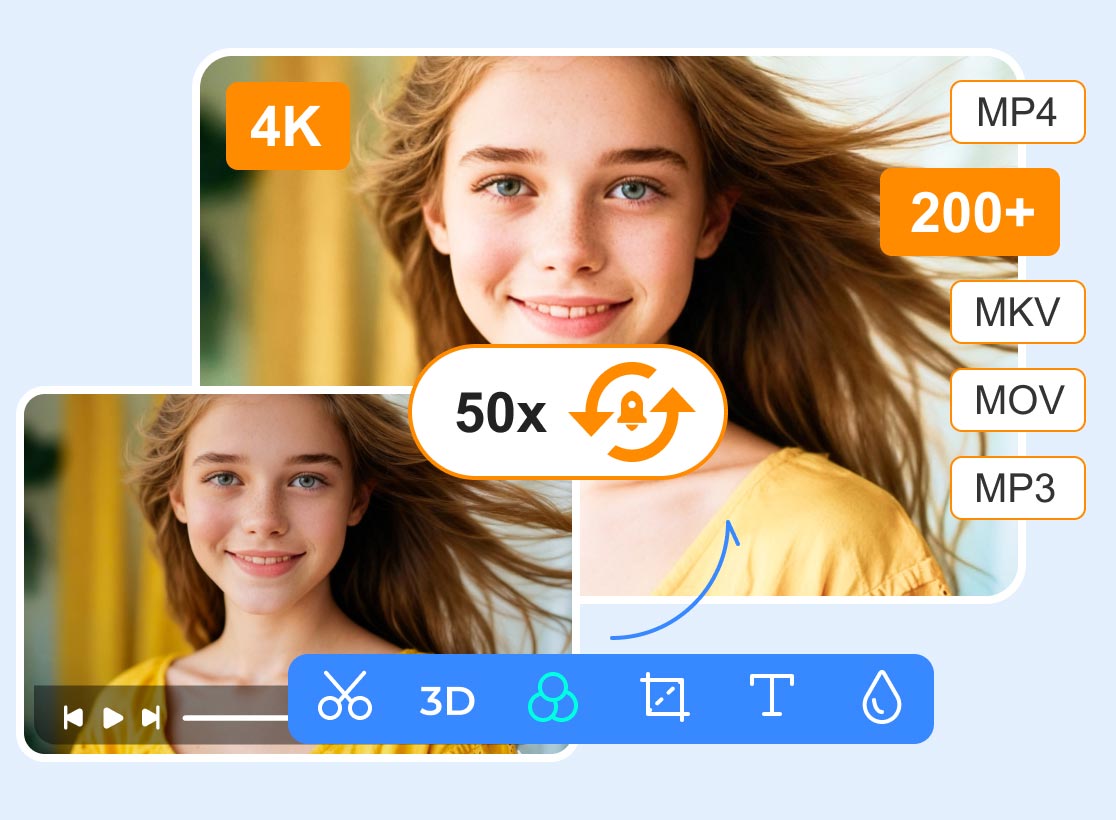
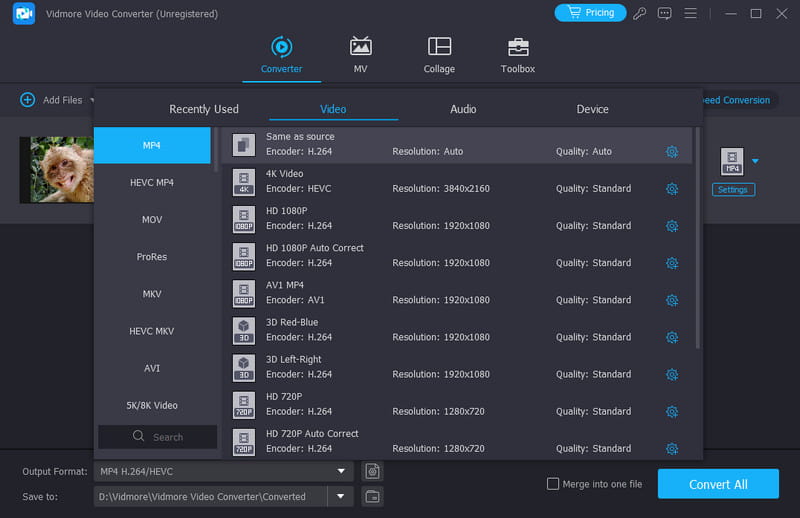
One of the best video transcoding software you can use is Vidmore Video Converter. This video converter is perfect if you want to convert and transcode your video files to any format. It can support 200+ formats. It includes MP4, M4V, AVI, MKV, WMV, FLV, VOB, and more. The best part here is that it can offer conversion speeds up to 50× faster compared with other converters. It can also let you save the video at the best quality and with the best codecs for better playback and compatibility.
What's more, Vidmore Video Converter offers various editing tools you need. You can access its cropper, trimmer, metadata editor, filters, effects, watermark remover, and more. You can even access the program on your Mac and Windows computers. Therefore, if you need a powerful and reliable video transcoder, it would be better to access this program right away!
Top 2. Any Video Converter
Best for: Simple conversion procedure.
Score: 4.5/5
Platform: Windows and Mac
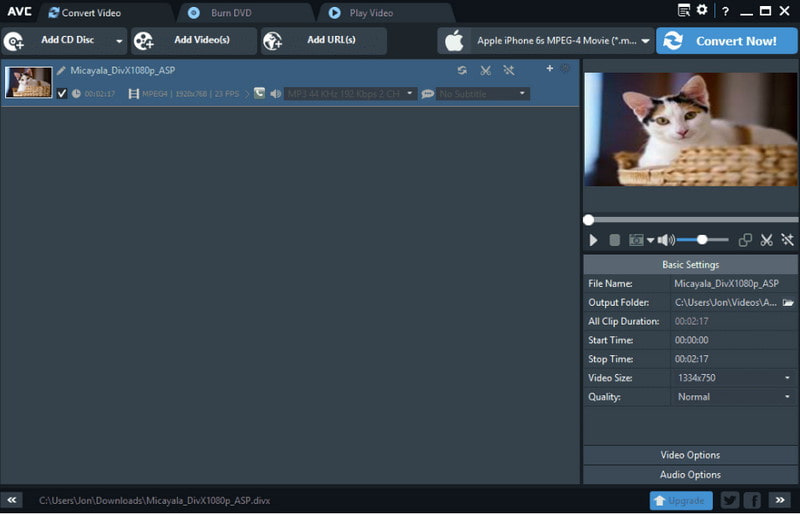
Another helpful video transcoder you can use is Any Video Converter. This desktop-based transducer became popular, thanks to its broad format support. It can convert videos to MP4, AVI, WMV, MOV, and more. You can convert MP4 to M4V, AVI to FLV, MOV to MP4, and more. It can even convert videos to 4K or 8K resolution, resulting in better video playback. The good thing about the transcoder is that it is simple to operate, thanks to its comprehensive user interface. Aside from that, it can also offer built-in video downloads from platforms like Vimeo and YouTube. The only downside of the transcoder is that the conversion process can be too slow at times. Also, the free version has various restrictions. But still, you can rely on this transcoder if you need a simple transcoding process.
Top 3. Handbrake
Best for: Smooth conversion and advanced customization.
Score: 4.0/5
Platform: Windows and Mac
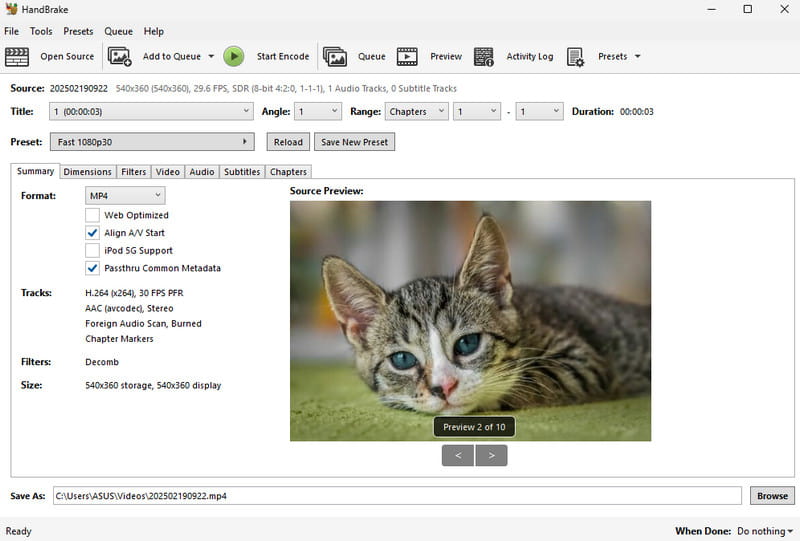
Handbrake video transcoder is also among the choices you can access only on our computer for a smooth and simple video transcoding process. This tool is free for us and open source. Additionally, this software can provide a fast conversion process, saving you time. Aside from that, it can provide advanced customization options. It includes adjustable bitrates, frame rates, filters, and subtitle integrations, making the program suitable for both beginners and skilled users. Moreover, Handbrake includes device-specific presets for optimized playback and supports batch processing to reduce processing time. However, you must know there are some drawbacks. Even though it is simple to use, we can't ignore that its main UI is outdated-looking, which makes it less appealing to some users. It also supports a few formats, such as MP4, MKV, and WebM.
Top 4. CloudConvert
Best for: Fast conversion without installation.
Score: 4.2/5
Platform: Browser
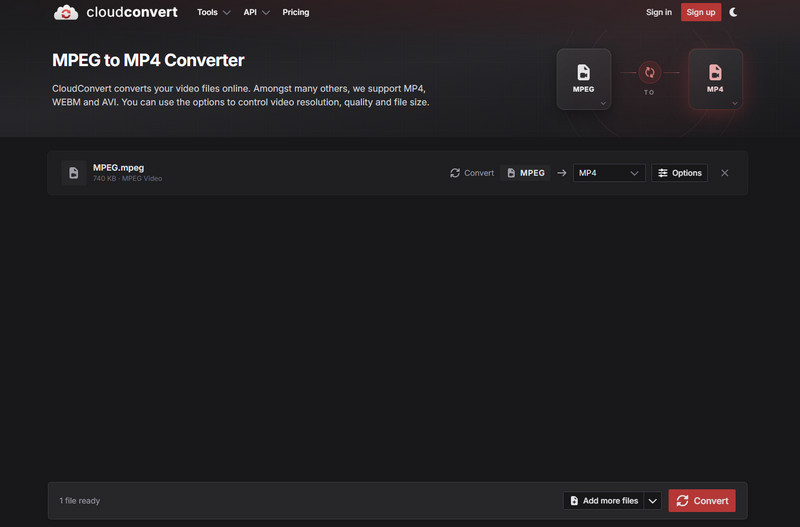
Are you looking for an online video transcoder? If so, you can try using CloudConvert. This web-based transcoder is ideal if you don't want to install any tools on your computer. This converter ensures a smooth, simple conversion process with an easy-to-follow layout. It can even support various video formats. You can convert MOV to AVI, MKV to FLV, WMV to M4V, and more. It can even help preserve video quality for a better viewing experience. CloudConvert lets you adjust various parameters. You can change/adjust the video resolution, aspect ratio, preset, tune, level, fps, and more. The only drawback here is that you must have a stable internet connection for better performance. Plus, you have to subscribe to the paid version to use its full features without limitations.
Top 5. Vidmore Free Video Converter Online
Best for: Smooth, fast online video conversion.
Score: 4.2/5
Platform: Browser
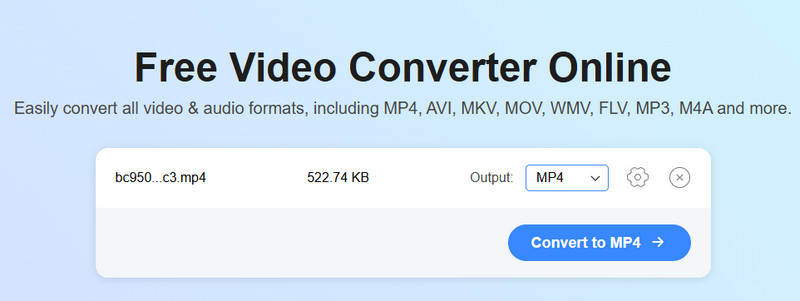
For online video transcoding, another tool you can use is Vidmore Free Video Converter Online. With this tool, there is no doubt that converting or transcoding your video files is a possible task you can achieve. It can offer a smooth, fast conversion process that lets users get their result in just a few seconds. Not only that, but it also offers a batch conversion feature. With this feature, you can convert multiple video files in a single go. It also supports almost all video formats, including M4V, MP4, WMV, MKV, AVI, FLV, and many more. It can even save the video with the best output quality. Aside from that, you can adjust various parameters, such as bitrate, encoder, resolution, frame rate, sample rate, channel, and more. You can also operate the video transcoder from any browser, making it more accessible to all users. Thus, if you are looking for an excellent and reliable web-based video transcoder, look no further than Vidmore Free Video Converter Online.
FAQs about Video Transcoder
What is video transcoding?
Video transcoding is the technique of converting a video file to a different format, codec, or resolution. Its main purpose is to ensure compatibility, optimize playback, and reduce the file size. This process is also necessary for video editors, streaming platforms, content creators, and casual users who want to play their videos without encountering any issues.
Which video transcoders are perfect for non-professional users?
If you are a beginner, there are various video transcoders you can use. Some of them are Vidmore Video Converter, Vidmore Free Video Converter Online, CloudConvert, Convertio, and more. These tools ensure that you can transcode your videos without any hassle.
Are online video transcoders safe to use?
It depends on the tool you are using. Some tools might harm your device or collect your information without your permission. If you want a safe online transcoder, we suggest using Vidmore Free Video Converter Online. This tool ensures that your data and media files are safe and secure.
Conclusion
Thanks to this post, you have explored all the best video transcoders available on your desktop and in your browser. You even learn more about their platforms, ease of use, supported formats, output quality, and other necessary information. Plus, if you want an offline transcoder, you can try Vidmore Video Converter, which offers all the necessary features for effective video transcoding. You can also use Vidmore Free Video Converter Online for fast conversions without any installation.