Useful and Effective Video Editor to Brighten A Video
A video you recorded or downloaded online could occasionally be too dark to watch. Are you trying to look for the best solution how to make them clearer? Luckily, Windows, Android, and iPhone users may brighten films using various brighten video apps. Many of these applications let you make clear and professional films, and some even provide you with additional editing tools and fun effects. There are several excellent programs for brightening movies, but it can be overwhelming to sort through them all and choose which one to use. To help you make a more concrete decision, we have collected a list of the best applications to brighten videos on your Windows, Android, and iPhone devices you can try.
PAGE CONTENT
Part 1: Best App to Brighten Videos on Windows/Mac
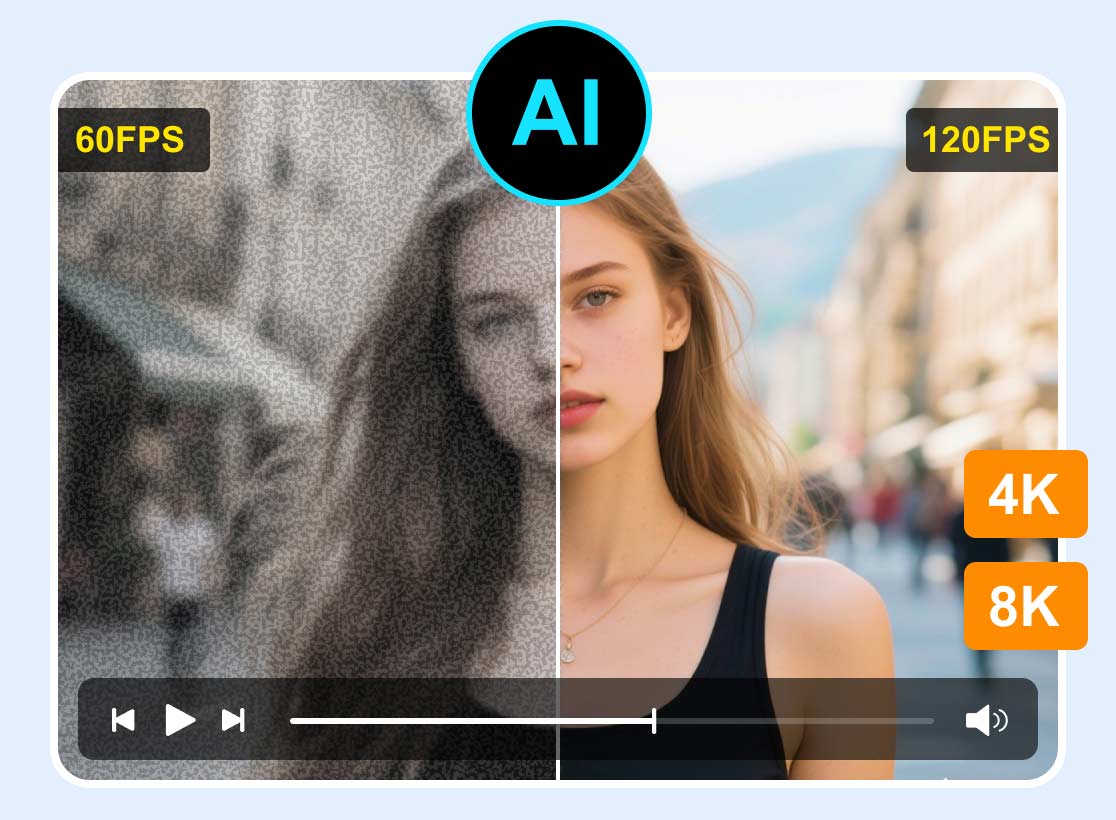
The best app to lighten a video on your computer is VidHex Video Enhancer. This software can brighten up your video in the most straightforward way. It offers an easy-to-understand interface that is beneficial to all users.
Equipped with the low-light Enhancement and Color Enhancement Models, this offline tool is dependable for adjusting the brightness of your video. Aside from the brightness, it can also automatically adjust your video's saturation, hue, and contrast to make your videos natural.
Pros:
- AI Models adjust the video color, including brightness, saturation, contrast.
- Colorize black & white videos to make them vivid.
- Convert various video formats, such as MP4, MOV, MKV, WEBM, and more.
- The intuitive interface is suitable for the non-professional user.
Cons:
- To enjoy complete features, you need to get the paid version after a free trial.
Step 1: Download VidHex
Download and launch this video brightener on your Windows or Mac computer.
Step 2: Add a video
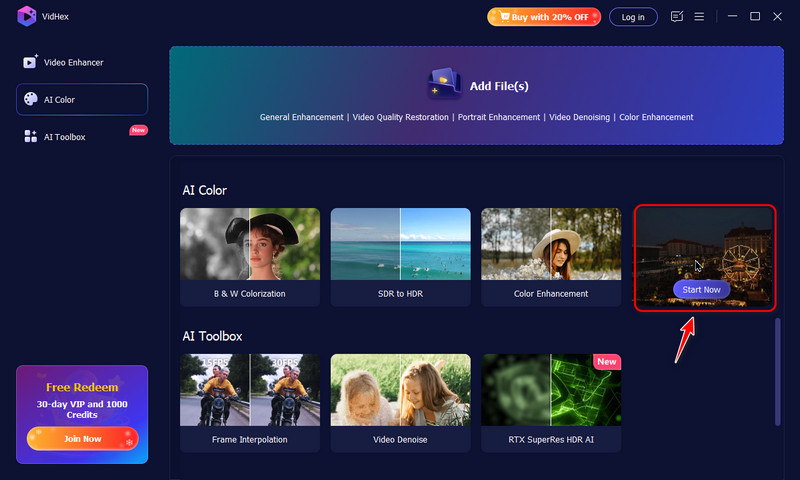
In the left modes, click AI Color > Low-light Enhancement > Start Now. Then, choose the video that you want to brighten.
Step 3: Brighten a video
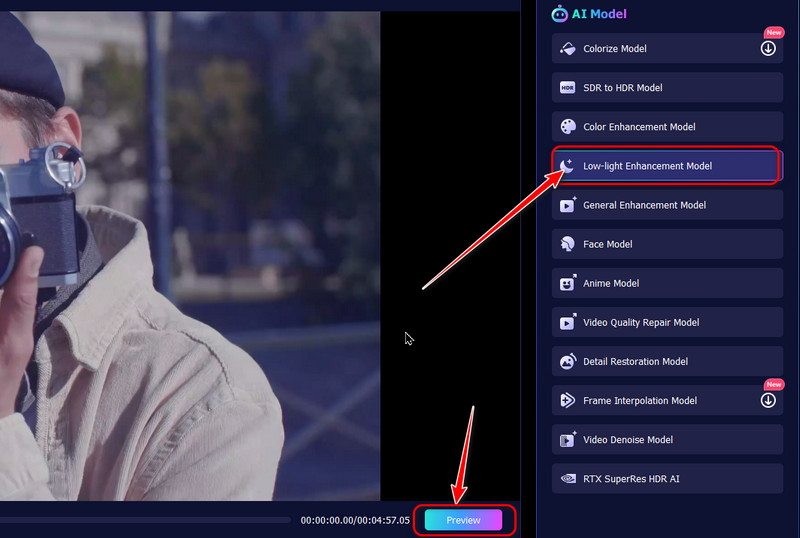
Ensure that the Low-light Enhancement Model has been chosen in the right AI Model list, and VidHex will automatically improve your video’s brightness. You can click the Preview button to see the brightening effects.
Step 4: Export the brightened video
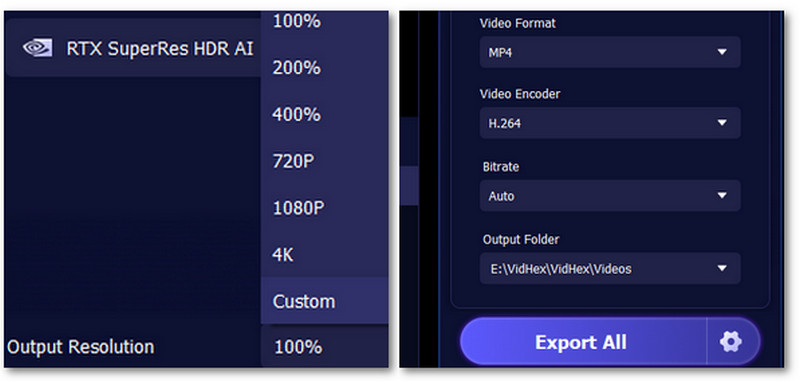
Finally, set your resolution, output format, bitrates, and saving path. And then, click Enhance Full Video to save the brightened video.
Part 2: Brighten A Video Using Android
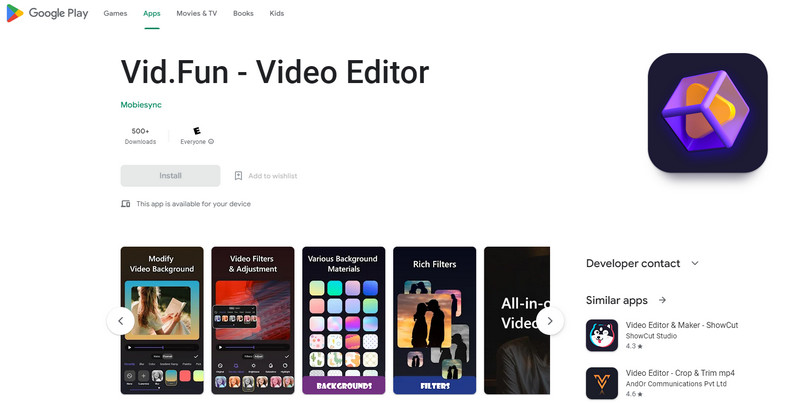
One of the best brighten video apps on Android is Vid.Fun - Video Editor. Using this application, you can ensure that your dark video is possible to enhance by adjusting the brightness of your video. Also, this application is perfect for beginners. It has a simple video editing procedure and an understandable interface that is not confusing. Furthermore, all-inclusive video editing features are available on Vid.Fun. It enables you to edit, customize, and produce original videos. Video trimming, picture cropping, video rotation, background changing, video adjustment, video filters, and other functions are included in this application’s features.
Pros
- Suitable for non-professional users.
- It offers an intuitive interface.
- Reliable in enhancing the brightness of the video.
Cons
- Some features are confusing.
- Sometimes the application is not performing well.
Part 3: Brighten A Video Using iPhone
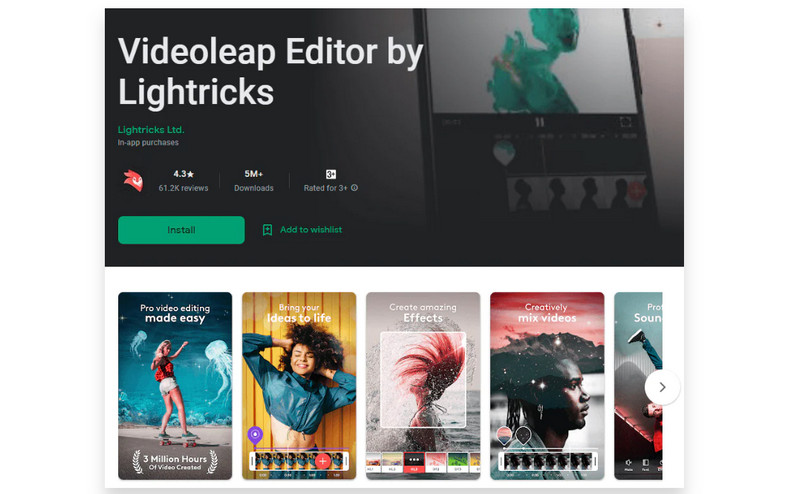
If you are looking for an outstanding app to brighten a video using iPhone, use VideoLeap. It is a fantastic video editor for all users: professional and non-professional users who want to make videos for entertaining friends or for serious ones like business, marketing, promotions, advertisements, and more. Therefore, you may use Video Leap to edit and brighten your movie to make the greatest quality videos. However, this application is not 100% free. It can only offer a free version with limited features. If you want to utilize all features, you have to purchase the pro version.
Pros
- All users can utilize the application.
- The interface is understandable.
Cons
- The free version has limited features.
- Purchasing a subscription is costly.
Part 4: FAQs about Brighten Video App
1. What is the best app to brighten dark videos?
To brighten your dark video, use Vidmore Video Converter. It has the capability to lighten up your video using the Color Correction tool easily. You can download this application on both Mac and Windows for free.
2. Can I use the Photos app on Android to brighten my videos?
Absolutely, yes. Open your photo, proceed to the Edit option and select Adjust. After that, click the Brightness option and adjust the brightness of your video.
3. How to brighten dark video on Mac?
If you are using Mac, you can use the iMovie application. You can download and launch the application. Go to Color Correction and adjust the slider to change the brightness of your video. In addition, the best alternative you can use is Vidmore Video Converter. This application is also accessible on Mac, allowing you to brighten dark videos.
Conclusion
These are the three excellent software to lighten dark video using Windows, Androids, and iPhone. With this detailed information, you will be given a chance to choose what application you can utilize. But, if you want the easiest and most free app to brighten a video, use Vidmore Video Converter.