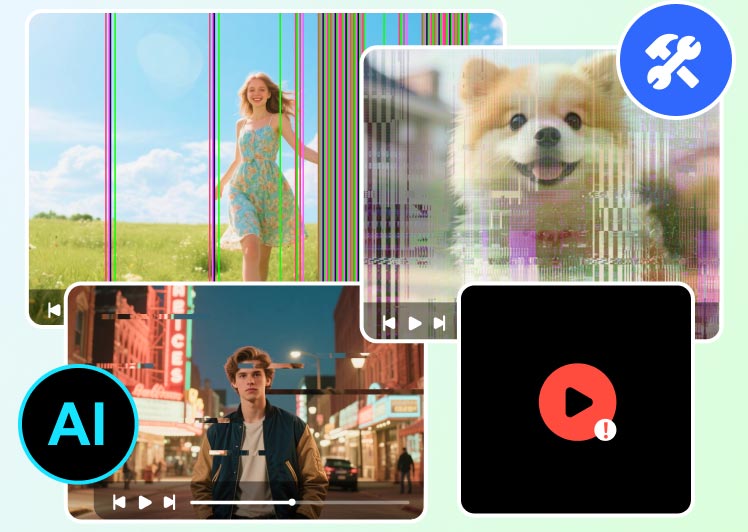
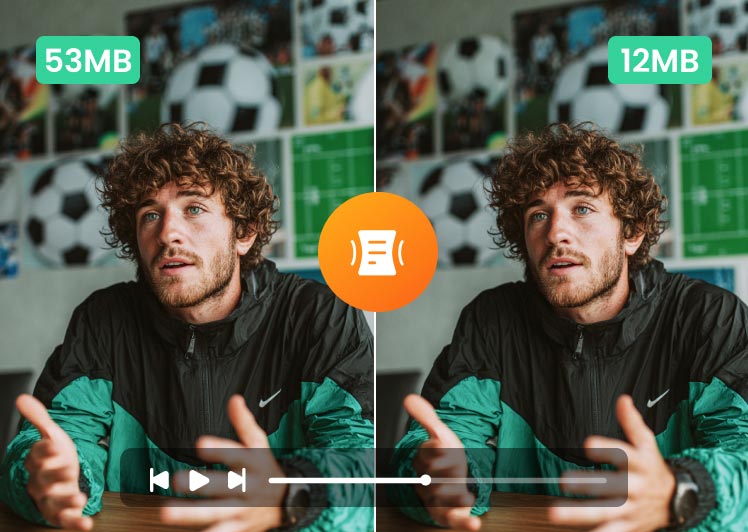
With Video Enhancer - a video quality enhancement application, you can upscale low resolution video to high resolution, enhance dark video by adjusting brightness and contrast, reduce video shake and motion blur, denoise video and more in a few clicks.
100% Clean & Secure
30-Day Money Back Guarantee If our products have a quality problem within 30 days of purchase and we can't solve it within a reasonable time, a refund is promised.
100% Clean & Secure
30-Day Money Back Guarantee If our products have a quality problem within 30 days of purchase and we can't solve it within a reasonable time, a refund is promised.
Intelligent Enhance Features
Vidmore Video Enhancer lets you easily increase video resolution, adjust unsaturated and dull-looking colors, and remove high levels of noise to create a stunning masterpiece, featuring the revolutionary smart algorithms.
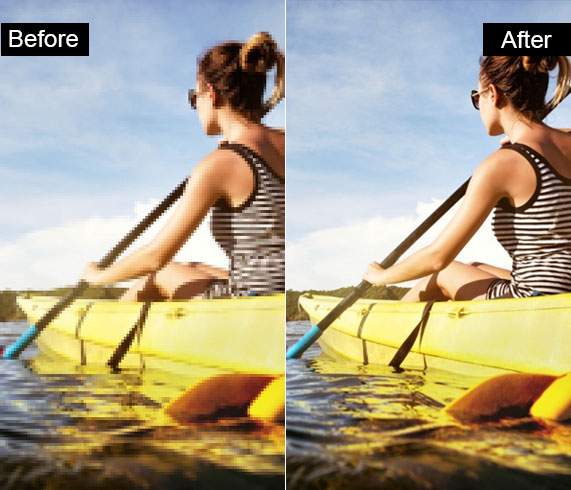
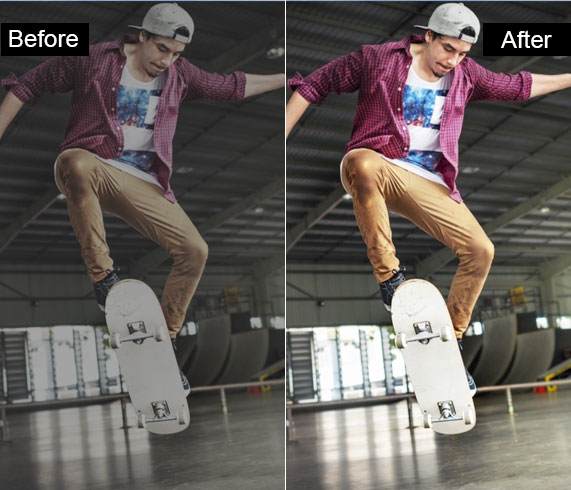
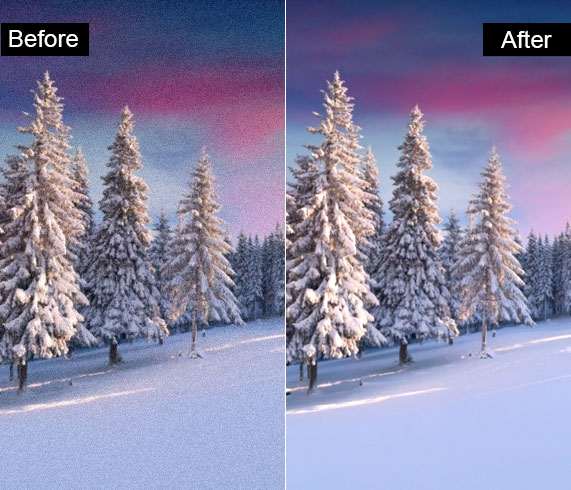
Upscale Resolution
To realize video quality enhancement, the professional video enhancer software has everything you need to enhance CCTV video image, turn SD footage into full HD, and upscale 480p video to 720p/1080p/4K.
Optimize Brightness and Contrast
By analyzing color relationships and overall image, this feature lets you fix exposure, and adjust brightness, contrast, hue, etc. automatically to improve light, shadows, color balance for creating a professional video.
Remove Video Noise
Also coming with a noise reduction tool, it can distinguish and remove noise like car voice, wind wuthering, person’s voice, etc. and create clean and clear video clips without sacrificing sound details.
Professional Video Stabilization
Equipped with anti-shake technology, it’s never been easier to stabilize shaky videos. Camera shake could cause the video shaky or out-of-focus blur problem, which makes your video look dizzy and unprofessional. No matter what caused the shake of video, this video enhancement software can handily reduce video shaking to help you produce more stable and professional videos.

Various Editing Options
You can enhance your video with advanced editing features and effects, like rotating, cropping, cutting, etc. to transform individual video clips into a real masterpiece at once.
 Rotate
 Offer a quick way to rotate video vertically and horizontally, rotate 90 degrees, rotate 180 degrees or rotate 270 degrees.
 Crop
Crop Video Enhancer lets you easily crop a video and remove any unwanted clutter from the edge of the video.
 Effect
 Optimize the video with various video effects and filters to adjust brightness, contrast, saturation, hue, etc.
 Watermark
 To protect your video content, you can add text or image watermark to your personal video with this video enhancer.
 Trim
Trim You can chop off the unwanted video clips, or split a long video into several segments for creating stunning videos.
 Merge
Merge It is simple to combine video files with different formats like MKV, AVI, MP4, etc. into a single file.
100% Clean & Secure
30-Day Money Back Guarantee
100% Clean & Secure
30-Day Money Back Guarantee

Launch VidHex and drag your footage file into the interface. Or you can hit the Click or drag & drop files(s) here button.

Once the video is imported, select the model you want to use. Different VidHex AI models have different effects on the video. Select one and click Preview. Then, continue with Export Now buttom to ensure your enhancment.

Wait for the processing for a while, or you can click Cloud Acceleration to process in cloud.
Vidmore Video Enhancer is an easy-to-use video enhancement software to improve resolution, optimize brightness and contrast, remove noise, reduce shaking, as well as edit videos on your Windows & Mac.


It’s amazing. This is my first time to enhance my personal videos. So happy to find such a wonderful video enhancement tool to help me upscale my SD video to HD.

It does help me a lot to adjust the video brightness, hue, and contrast. Now, my video looks more professional.

This video enhancer app is simple to use but powerful. I download and install it on my Mac. It runs smoothly with no lag. Apart from improving my video quality, it also removes noise cause by cars. That really does me a big favor.

The shake problem of my vlog videos has been solved. After using this video enhancer, my video is less shaky than it was. Thus, my content is well presented and also brings considerable video playback amount.

Besides video enhancement, this program also lets me beautify my videos with some extensive editing features, like cropping, cutting, watermark adding and more. That’s why I choose Vidmore Video Enhancer. It is really excellent.

Vidmore Video Enhancer is really good to use. It doesn't require much knowledge related to video and audio processing; just click those buttons with intelligible shape directions, and then you can accomplish a task to enhance your video quality.

I used this software totally by accident. I randomly searched on the internet to find a good tool for enhancing my video quality. Then I downloaded it to have a try. But Vidmore Video Enhancer shocks me!

Vidmore Video Enhancer has been endowed with many useful functions, like rotating, cropping, cutting, etc. So it acts not only as a video enhancer but video editor in my eyes.
With Vidmore Video Enhancer, you can improve video quality and edit video in a few clicks. Following are some useful tips and tricks that explain how to enhance your videos.

5 Video Resolution Upscaler to Improve Video Resolution

How to Unblur a Video: Various Ways to Make a Video Clear

How to Denoise Video [Ways to Remove Noise From Video]

Video Stabilizer App: How to Fix Unwanted Shaky Footage

100% Clean & Secure
30-Day Money Back Guarantee
100% Clean & Secure
30-Day Money Back Guarantee

Subscribed Successfully!