
6 Top-Notching 3GP to MP4 Converters to Convert 3GP to MP4
Free 3GP to MP4 converters are important tools. It is perfect for anyone dealing with outdated mobile video formats that no longer play smoothly on modern devices. Plus, these converters allow users to transform low-resolution 3GP files into the widely supported MP4 format, ensuring better compatibility across smartphones, tablets, and editing software. With free options available online and offline, users can quickly upgrade their old clips without spending a dime, making it easier to preserve memories or repurpose content for social media and streaming platforms. In this post, we will let you explore the most reliable and free converters you can access on your desktop and browser. Ready to bring those old clips into 2026? Let's dive into the best tools to get the job done.

PAGE CONTENT
Part 1. How We Test the Best Free 3GP to MP4 Converters
See here and learn how we test all the best 3GP to MP4 converters.
- • Conversion Speed and Efficiency – We measure how each tool can process and convert files instantly and effectively.
- • Output Quality – We put these tools to the test to see if the video actually stays crisp after the swap.
- • Ease of Use – We ensure that all the 3GP to MP4 converters are easy to operate, so all users can convert files without encountering any trouble.
Part 2. What is a 3GP File and Why Convert to MP4
A 3GP file is a multimedia container format developed for older mobile phones, designed to store video and audio in a highly compressed form to save storage and bandwidth. Although 3GP was previously widely used for recording and sharing videos on early 3G devices, it is now out of date and rarely supported by PCs, cellphones, or editing software.
Transcoding 3GP to MP4 ensures far better compatibility. It allows videos to play smoothly across current devices, platforms, and apps. MP4 also offers improved compression efficiency, higher quality, and better support for metadata, making it the preferred format for editing, streaming, and long-term storage.
Part 3. 6 Best Free 3GP to MP4 Converters
Want to start exploring the best and free 3GP to MP4 converters? Then, you can check all the information in this section. You can first view the table to get enough information about the converters. Then, read more below to get a better explanation.
| 3GP to MP4 Converters | Platform | Quality Retention | Extra Features | Ease of Use |
| Vidmore Video Converter | Windows and Mac | Excellent | Video editing, compression, batch conversion | User-friendly |
| Any Video Converter | Windows and Mac | Good | DVD burning, video downloading, audio extraction | Moderate |
| Freemake Video Converter | Windows and Mac | Good | Basic editing, DVD creation, slideshow maker | Easy |
| CloudConvert | Browser | Excellent | API integration, cloud storage support | Easy |
| Online-Convert | Browser | Good | Advanced customization (resolution, bitrate, codecs) | Easy |
| FreeConvert | Browser | Good | Device presets, compression options, and trimming | Easy |
A. 3GP to MP4 Converters for Desktop
Vidmore Video Converter
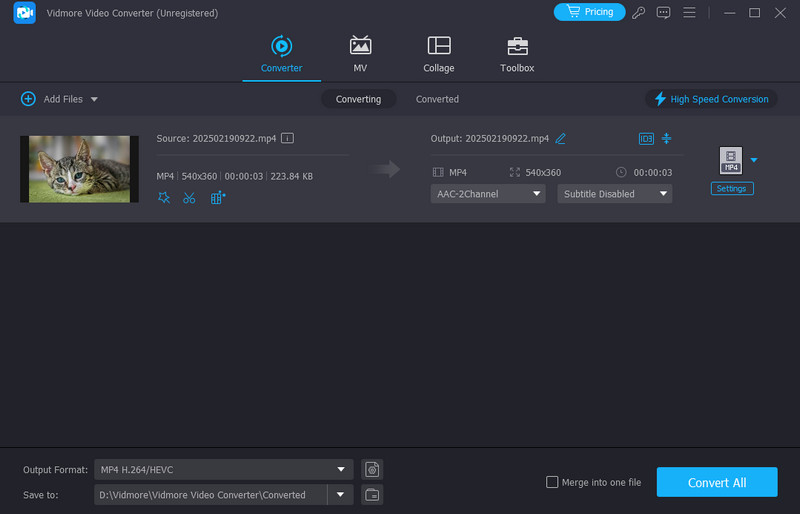
Best for: Ideal for users who want high-quality conversions with editing tools and batch processing.
Rating: 4.5 / 5
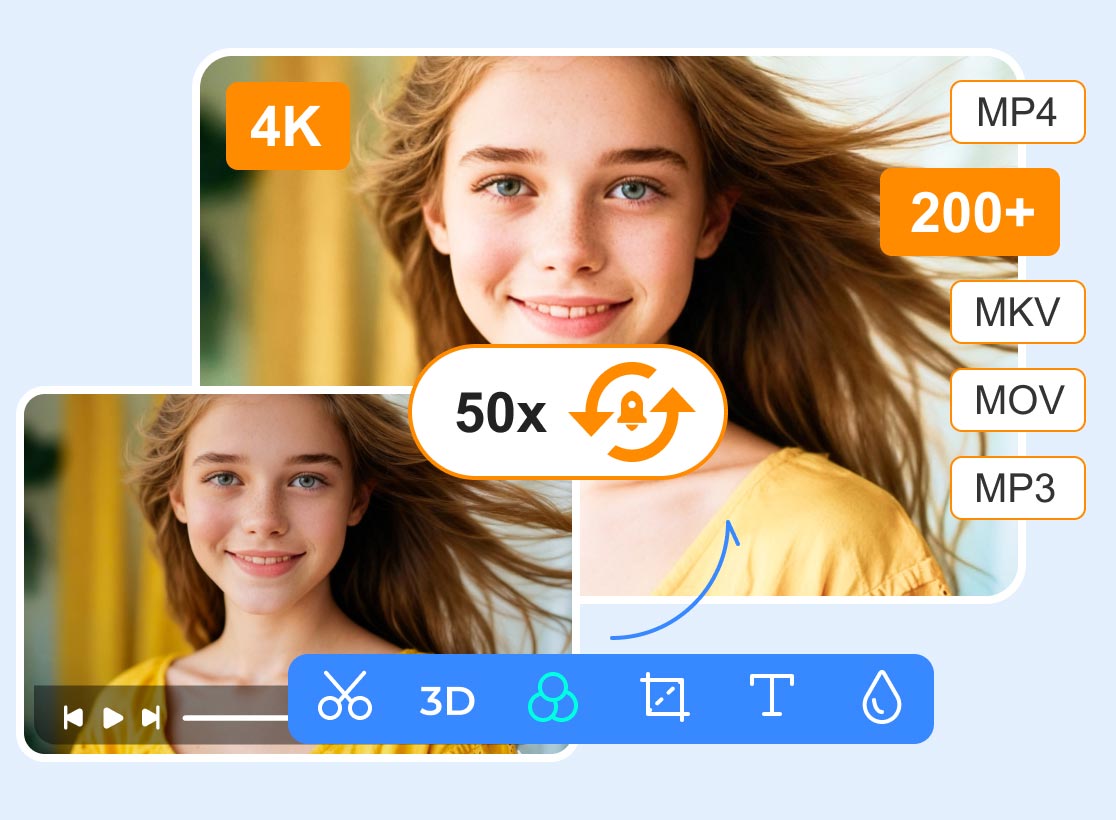
If you want the best 3GP converter to MP4, you can try using Vidmore Video Converter on your computer. This converter can offer a fast conversion speed up to 50× faster compared with other converters. It also has a comprehensive UI, allowing you to operate all the necessary features without any trouble. The best part here is that it can offer its batch conversion feature. With this feature, you can convert multiple 3GP files to MP4 without consuming much time. It can even support more video formats, including MKV, WMV, AVI, MOV, FLV, and more.
Any Video Converter
Best for: Suitable for versatile format support and users who need extra features like DVD burning.
Rating: 4 / 5
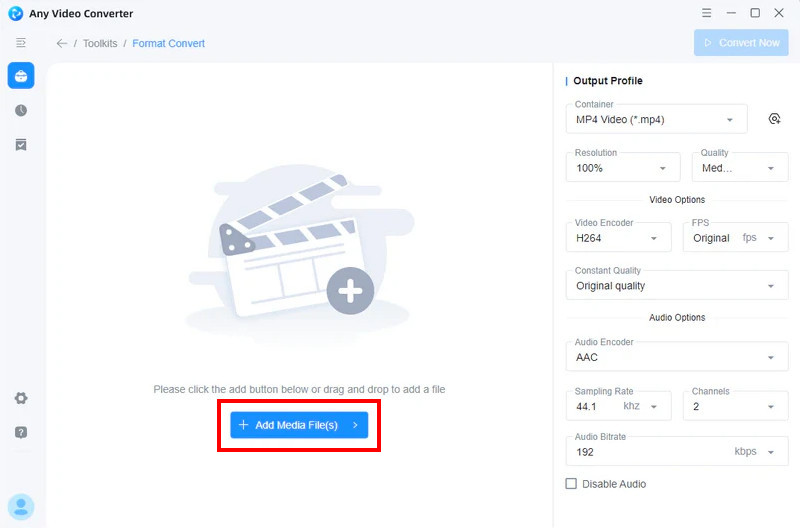
Another effective converter that can help you turn your 3GP files into MP4 is Any Video Converter. This desktop converter has a smooth conversion process, making it ideal for users. It also has a simple and neat user interface, so you can ensure that you can achieve the result you want after the process. What we like here is that you can adjust various parameters, including quality, FPS, encoder, and more. You can also convert various formats, such as HEVC to MP4, MKV to MP4, FLV to MOV, etc.
Freemake Video Converter
Best for: Helpful for beginners who want a simple interface and quick conversions.
Rating: 4 / 5
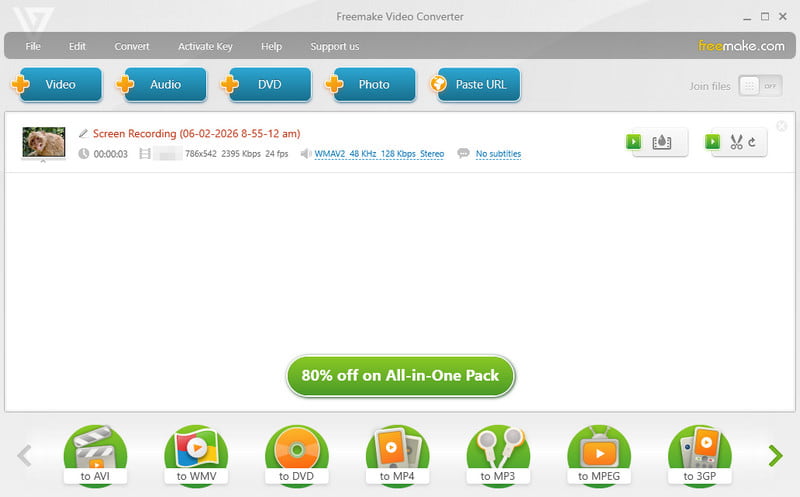
Freemake Video Converter is the go-to for anyone who just wants a 'no-fuss' experience. The program can give you a smooth conversion process and ensures to retain the original quality for better video playback. It can also offer basic editing features, like trimming and cutting. With this tool, you can ensure to get the result you want after the procedure.
B. Online 3GP to MP4 Converters
CloudConvert

Best for: Perfect for cloud-based conversions with strong privacy and wide format support.
Rating: 4.5 / 5
For those who hate installing new software, CloudConvert is the gold standard for browser-based tools. With its fast conversion process, you can obtain your desired result without any trouble. What makes it more powerful is its capability to adjust various parameters. You can change the aspect ratio, video codec, resolution, and more. You can also convert other formats, like M4V to MP4, TS to AVI, FLV to WMV, and more, making it reliable and powerful.
Online-Convert
Best for: Best for customization options like resolution, bitrate, and codec adjustments.
Rating: 4 / 5
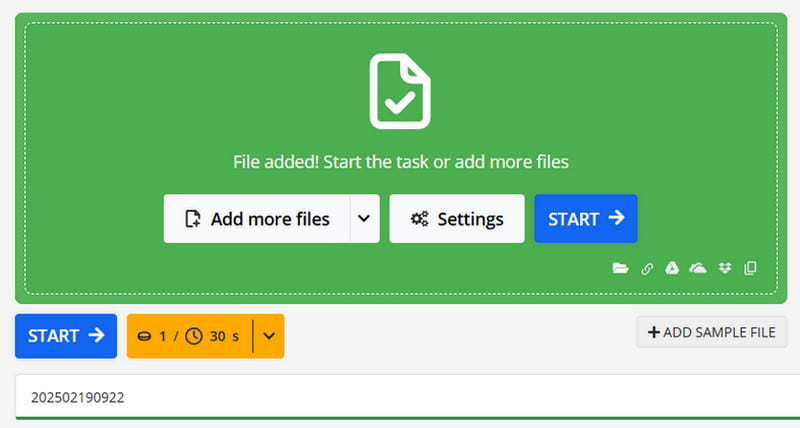
Another online 3GP to MP4 converter you can use is Online-Convert. This online-based converter won't disappoint you since it ensures to transcode your files effectively. You can even get the original quality or a higher quality for a better viewing experience. The tool is also integrated with various platforms, allowing you to upload your file from Google Drive, OneDrive, Dropbox, URL, and more. You can also customize options, such as codec, resolution, bitrate, and more.
FreeConvert
Best for: Best for casual users who want a comprehensive online tool with device presets and compression options.
Rating: 4 / 5
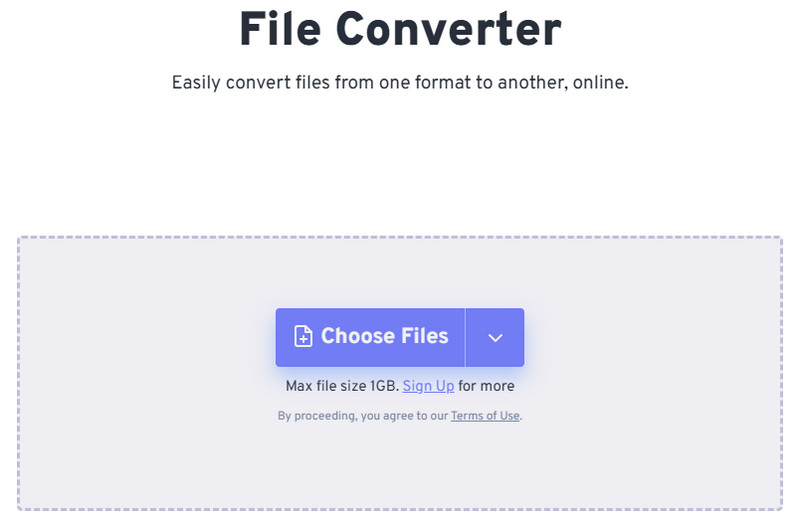
For our last online 3GP to MP4 video converter, we would like to recommend FreeConvert. It supports high-quality conversions while offering useful extras like device presets and compression options, making it versatile for different needs. With no software installation required, FreeConvert is a convenient solution for quick, accessible conversions directly from your browser. It can also convert various formats, including WMV to MP4, MKV to MOV, AVI to FLV, and more.
Part 4. FAQs about Free 3GP to MP4 Converters
Is converting 3GP to MP4 easy?
Definitely, yes. If you are using a straightforward converter, transcoding your files is a simple task. If you want a simple converter, you can use Vidmore Video Converter, FreeConvert, CloudConvert, and more.
Is it safe to convert 3GP to MP4 online?
If you are worrying about your privacy and security, then you must know the best tool to use. If you want to convert your files safely, you can use CloudConvert, Online-Convert, and FreeConvert.
Do free converters have limitations?
Yes. Some tools have restrictions, such as slower conversion speed, watermarks, size limit, and more.
Conclusion
If you need the best 3GP to MP4 converters, you can use all the tools we have provided in this section. You even get to explore their capabilities, best for, and other information. Also, if you want the best and most powerful converter, we recommend using Vidmore Video Converter. Whether you're a pro editor or just trying to save old family videos, Vidmore remains our top pick for its sheer speed and reliability.