Free Game Recording Software [Windows and Mac Computers]
Want to explore the best free game recorders? Well, these recorders can help you record your gameplay, save highlights, and create content that you can share with your friends and viewers. Since there are numerous game recorders you can access for free, you might wonder what the best ones are. In this post, we will recommend various free game recorders you can use to capture your gameplay. Thus, read on to get more insights about the best recorders.

PAGE CONTENT
How We Test the Free Game Recorders
Not all free game recorders can offer the same performance, recording features, and output quality. To identify the best options, we check and test each recorder in real gaming scenarios, focusing on quality, system impact, ease of use, and overall reliability. To learn more about how we test the recorders, check the information below.
- • We evaluate the recorder’s video quality by recording gameplay at different resolutions and frame rates, checking smooth motion, sharp visuals, and realistic colors.
- • We also monitor the memory, GPU, and CPU usage during recording. This is to check how much each tool can affect the game’s performance and responsiveness.
- • Aside from capturing gameplay, we also check the game audio, microphone input, and system sound recording to ensure the sound is clear and synchronized with the video.
- • Our team also checked the setup process, interface design, and accessibility of recording features to see how beginner-friendly the recorder is.
- • We also checked the supported output formats. This ensures that you can save your recordings in your preferred format.
Part 1. How to Choose the Best Game Recorder
Want to learn how to select the best free recorders for you? Then, see all the details below as we give various information and tips on how to find the best recorders you can use for capturing your gameplay.
- • Check the Recording Quality – When choosing the best free game recording program, always check the recording quality. A good recorder must support 1080p or higher quality for better playback.
- • Simple Recording Process – You must use an easy-to-use recorder if you are a beginner. Always check the difficulty level of the recorder for a smoother recording process.
- • Review the Audio Recording Features – A good game recorder must be capable of capturing game sound, system audio, and microphone audio. It ensures that you can capture both video and audio for satisfying playback.
- • Check Other Features – When selecting the best recorders, ensure that they can also offer more features, like basic editing, webcam support, and more. This way, you can use the recorders in many ways.
- • Look at System Performance – An excellent recorder should capture gameplay without causing lag, stuttering, or FPS drops while gaming.
Check the table below to take a peek at the best free game recorders you can rely on.
| Free Game Recorders | Ease of Use | Recording Quality | Performance Impact | Editing Features |
| Vidmore Game Recorder | Very beginner-friendly with a simple interface | Up to HD/4K recording with customizable settings | Low to moderate | Basic trimming and management tools |
| OBS Studio | Moderate learning curve due to advanced settings | Excellent quality with extensive bitrate and encoder controls | Low when properly configured, but varies by settings | No built-in video editor |
| NVIDIA App | Easy, with one-click recording features | High-quality recording with GPU acceleration | Very low on NVIDIA GPUs thanks to hardware encoding | Basic clip management and highlights |
| Xbox Game Bar | Very easy, built into Windows | Good quality for casual recordings | Low to moderate | No editing tools |
| Medal | Easy, designed for gamers | Good quality, optimized for gameplay clips | Low, optimized for background capture | Built-in clip editing and sharing tools |
Part 2. 4 Best Free Game Recorders
Want to dig deeper into the best free game recorders? Then, explore everything in this section.
1.OBS Studio
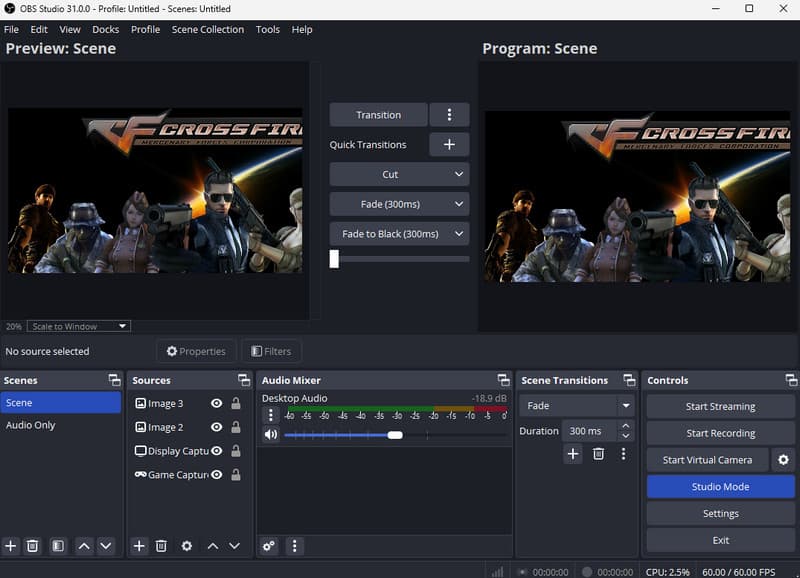
Best for: Streamers, content creators, and gamers who want to stream gameplay and various content smoothly.
Score: 9 /10
OBS Studio is among the most reliable free game recorders you can use every day. It can offer professional-grade recording and streaming features without inserting watermarks on your recordings. It can even record various games. You can record Fortnite on PC, Crossfire, Dota, Tetris, and more.
Pros
- It is completely free.
- It can save the video in high quality up to 4K.
- The program supports multi-source recording.
Cons
- It has a steep learning curve.
- It requires configuration for better recording results.
2.NVIDIA App
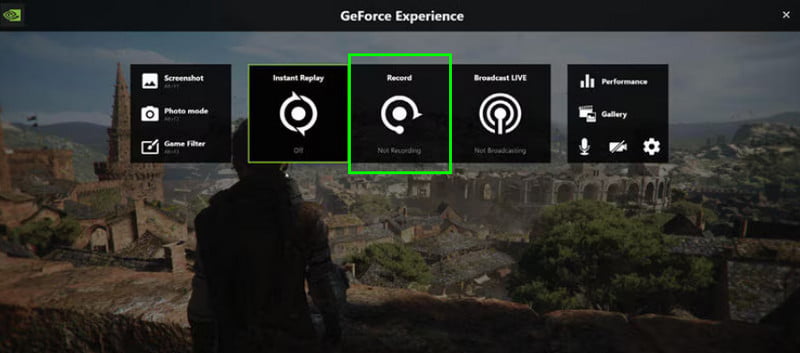
Best for: NVIDIA GPU owners who need high-performance recording.
Score: 8.5 / 10
NVIDIA App includes recording features powered by NVIDIA's hardware encoder. It lets you capture gameplay with minimal performance loss. Aside from that, it can support instant Replay for saving recent gameplay moments. Thus, if you own a compatible NVIDIA graphics card, consider using this best free game recorder.
Pros
- The recorder can offer a simple recording process.
- It can support high-resolution gameplay capture.
Cons
- It demands a compatible NVIDIA GPU.
- Fewer customization options.
3.Xbox Game Bar
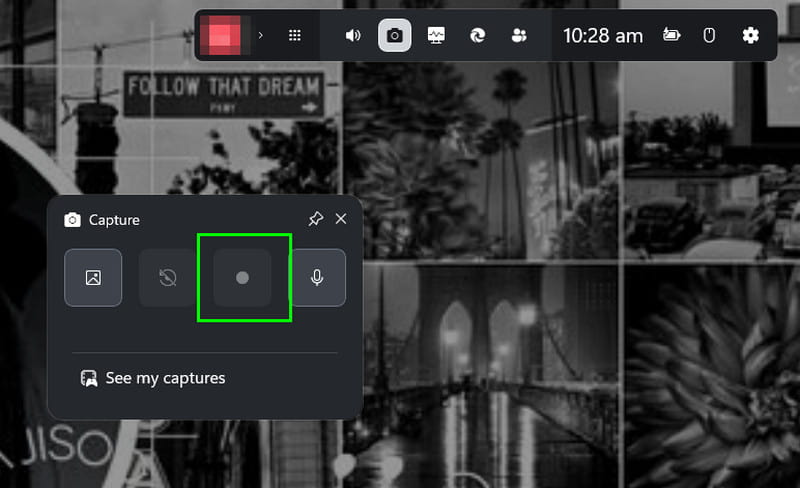
Best for: Windows users who need a simple recording process.
Score: 9 / 10
If you are operating Windows 10 or 11, you can access the Xbox Game Bar. It is a built-in recorder that lets you capture any gameplay effectively. It can also offer various shortcut keys, giving you full control during the recording process. You can also capture various games when using the recorder. You can record CS: GO, LoL, Clash of Clans, and more.
Pros
- It offers a screenshot feature for capturing your favorite scene.
- The recorder is 100% free.
Cons
- It has a limited recording system.
- The tool lacks advanced features.
4.Medal
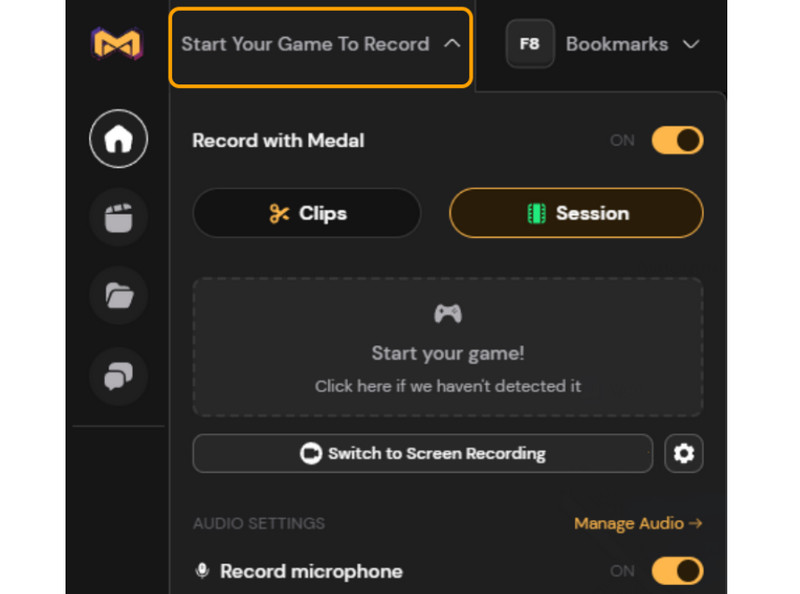
Best for: Gamers who need instant highlights and easy sharing.
Score: 8.5 / 10
Another best free game recorder you can use is Medal. This is an excellent tool for capturing gameplay highlights. It makes editing, clipping, and sharing memorable moments easy, thanks to its gaming-focused platform. You can also record various games. You can capture Overwatch gameplay, Fortnite, LoL, and other games, and create instant highlights.
Pros
- It can offer built-in editing tools.
- The interface is simple and neat.
Cons
- Some features require an account to access.
- The recorder focuses more on creating highlights.
Part 3. A Free-Trial Game Recorder with More Stable Performance and High-Quality
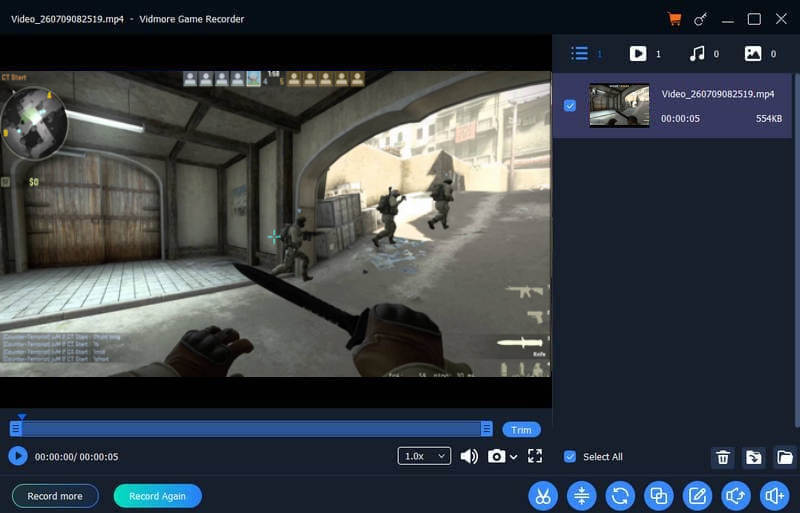
Best for: Gamers and casual users who need a more stable and simple recording process.
Score: 9.5 / 10
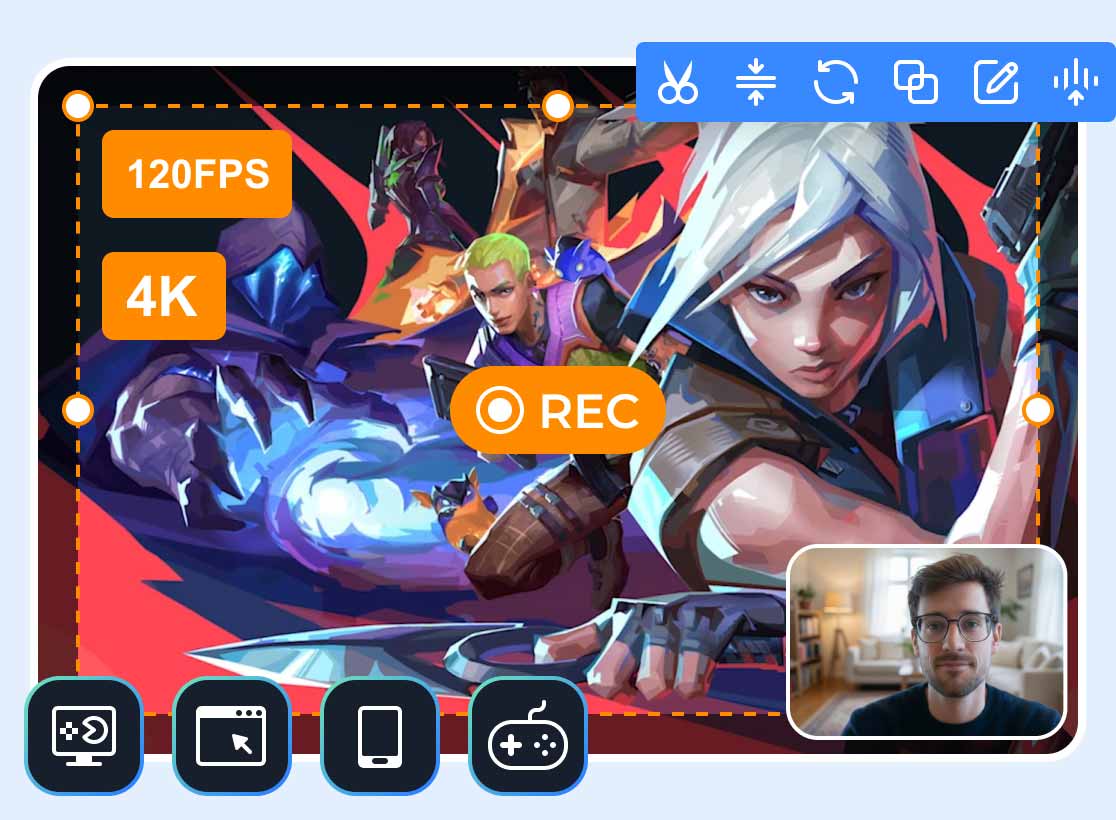
Do you need more stable performance and high-quality output? In that case, you can access Vidmore Game Recorder. This is a free real game recorder that can offer various features, ensuring that you can get the result you need after the recording. It has a neat user interface, a smoother recording process, and offers basic editing features to improve your recordings. It can also support various output formats, such as MP4, MKV, AVI, WMV, FLV, and more. You can also export the recordings with the best quality, up to 4K.
More Features
- It can record various games, like League of Legends, Dota, Valorant, Crossfire, and more.
- The recorder can capture games across various platforms, such as PC games, browser games, mobile games, and console games.
- It can record gameplay in 4K.
- It can offer its Library section to see all the recordings.
Pros
- With its neat layout, users can record games smoothly.
- It can offer its Screenshot tool to capture your favorite scene during the recording process.
- The installation process is simple.
- It supports numerous output formats, perfect for better compatibility.
Cons
- If you want to try its full features, you can access its paid version.
Part 4. FAQs about Free Game Recorders
What is the best free game recorder you can access on Windows and Mac?
If you want an excellent recorder for Windows and Mac, you can try using OBS Studio. This recorder is ideal if you want to record your entire gameplay. You can even configure the video and audio settings, ensuring a better result after the recording process.
Do free game recorders add a watermark?
It depends on the game recorder you use. If you don't want any watermark on your recordings, some of the recorders you can access are OBS Studio, Xbox Game Bar, Medal, and Vidmore Game Recorder.
Is it easy to record gameplay?
The difficulty of recording gameplay depends on the recorder you use. If you are a beginner, it is best to use an easy-to-use recorder for a smoother recording process.
Conclusion
If you want the best free game recorders, you can use all the programs we have mentioned and recommended in this post. Check all of them and see which recorder can offer the features you need. Also, if you want a free-trial game recorder that can offer more stable performance and high-quality output, look no further than Vidmore Game Recorder. This can even provide all the features you need, including simple editing tools, ensuring that you can improve your recordings for better results.