









How to Capture World of Warcraft in HD Quality
World of Warcraft is a worldwide multiplayer online role-playing game. While playing WoW, there are some wonderful records you can’t miss. But how to record the gameplay and share it with friends? Don’t worry. Here, we will share you 2 World of Warcraft game players to record WoW without time limitation for playback on Windows, Mac, iPhone and Android.

- Part 1. Best Tool to Record World of Warcraft Gameplay
- Part 2. How to Capture WoW Gameplay with Bandicam
- Part 3. FAQs of Recording World of Warcraft
Part 1. Best Tool to Record World of Warcraft Gameplay
There are some exciting gameplays you don’t want to miss when playing World of Warcraft. With a game recorder, it seems easier to capture WoW gameplay clips and share them on social media platforms. Vidmore Game Recorder is a professional game recorder designed for pro gamers and amateur players. With it, you can record exciting moments when playing World of Warcraft.
How to record WoW gameplay with Vidmore Game Recorder
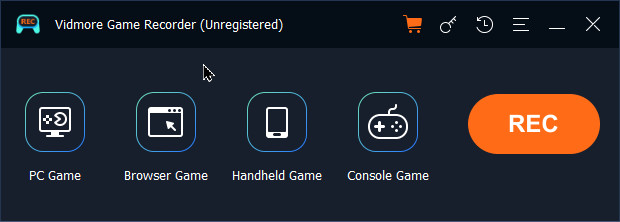
Step 1. Free download, install, and run this game recorder on your Windows computer. Choose PC Game or Browser Game as you need.
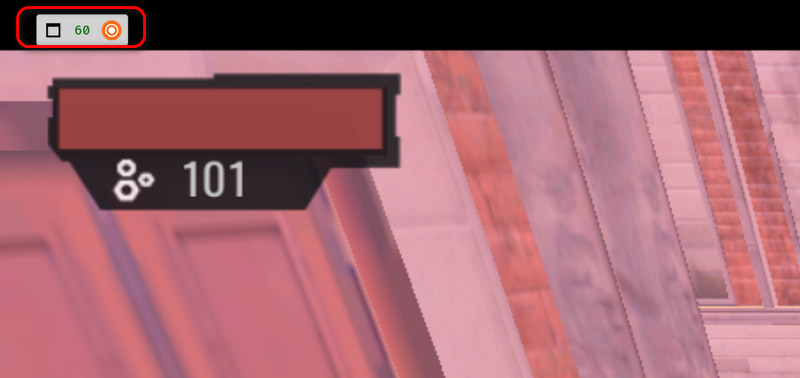
Step 2. Vidmore Game Recorder will automatically identify the launched PC game. Open game window, and you can see a Rec icon in the upper-left corner. Click it or use shortcut keys to start or stop recording.
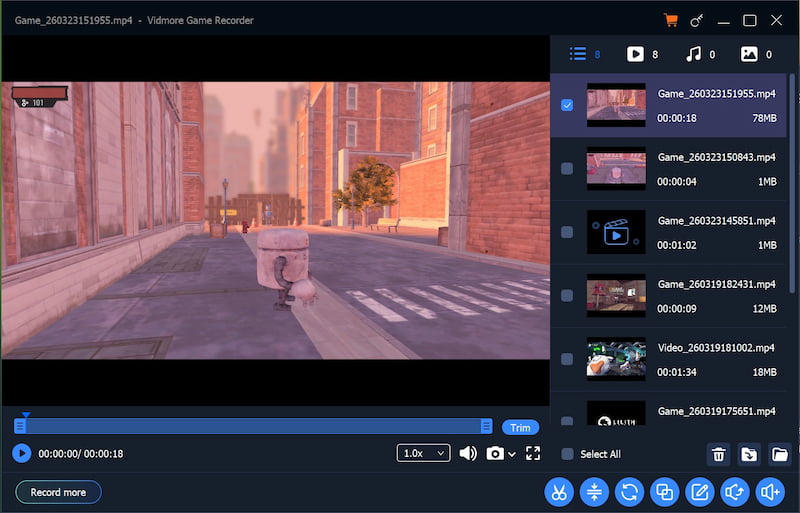
Step 3. When you stop the recording, an editing window will pop up. You can preview and trim the WoW game recording, set the play speed and volume, and take a screenshot in the toolbox below. There are also another 7 tools in the bottom-right corner.
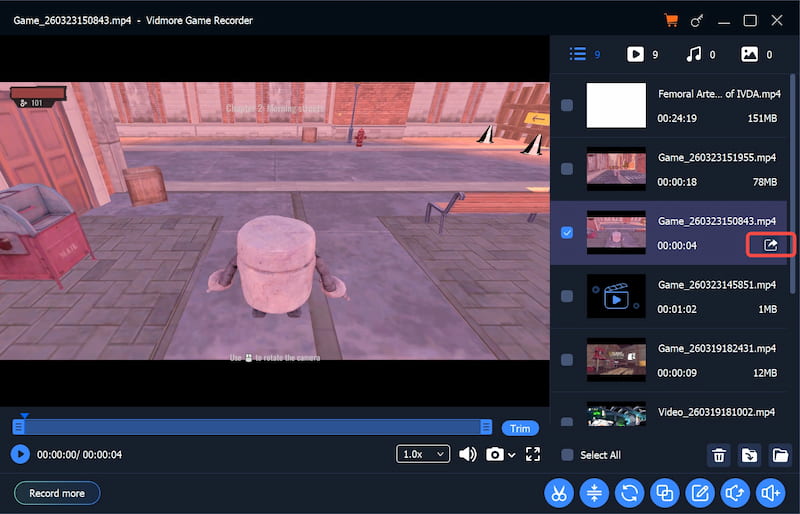
Step 4. After editing, hover over the file you want to save, then click the Export icon to save the recording. When saving is finished, the Export icon will turn to an Open File icon.
Part 2. How to Capture WoW Gameplay with Bandicam
Bandicam is one of the most advanced screen recording utility for screen, game and webcam capture. You can capture 4K Ultra HD WoW, Minecraft, Skype call, iTunes, Webcam without lagging. It allows you to record World of Warcraft video at resolutions up to 3840x2160 in high quality. Check the detailed steps to record WoW gameplay with Bandicam.
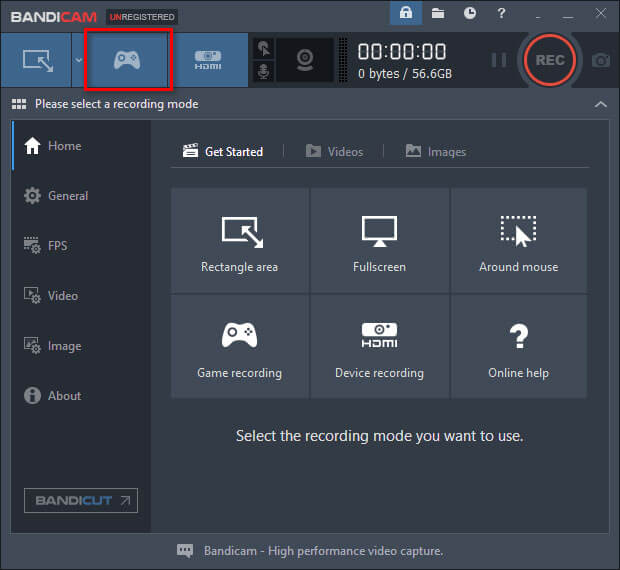
Step 1. After downloading Bandicam from its official website, install and run it on your computer. Choose Game Recording mode to perform a high quality WoW game recording.
Step 2. Run World of Warcraft game on your computer. You can control FPS (Frames per second) under FPS tab of Bandicam.
Step 3. Click F12 keyword to start recording World of Warcraft. Then the green number (FPS) on the top left corner of the interface will be red.
”Step
Note: If you didn’t register Bandicam, the watermark www.BANDICAM.com will be applied on the recorded World of Warcraft gameplay video.
Part 3. FAQs of Recording World of Warcraft
1. Is World of WarCraft free?
World of Warcraft (WoW) is not fully free to play. Users can try World Warcraft Free with the Starter Edition, but it only allows users to play free up to level 20. For more levels, you need to pay and purchase a subscription.
2. Can you play WoW without subscription?
Yes. If you want to experience WoW for a moment, you can play it without subscription. Though it allows users to play up to level 20, but the gold is capped at 10g, which is far enough than the appropriate gold spent to level 20.
3. What game engine does WoW use?
World of Warcraft uses Unreal Engine 4. Unreal Engine 4 is often used to power virtual reality games.
We mainly introduced 2 World of Warcraft game recorders to capture WoW games in high quality. If you are particular about the watermark applied with the Bandicam free trial version, you should try Vidmore Game Recorder to capture high-quality gameplay without a watermark. It supports up to 4K resolution and 120 FPS, making your recordings clear and fluent.