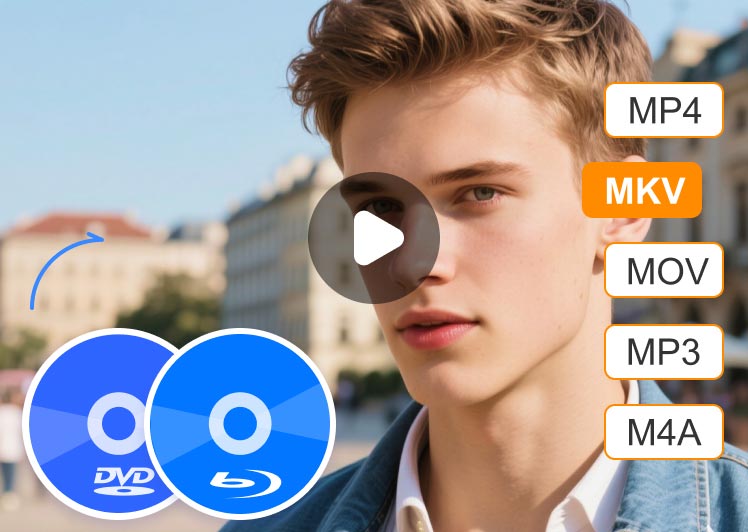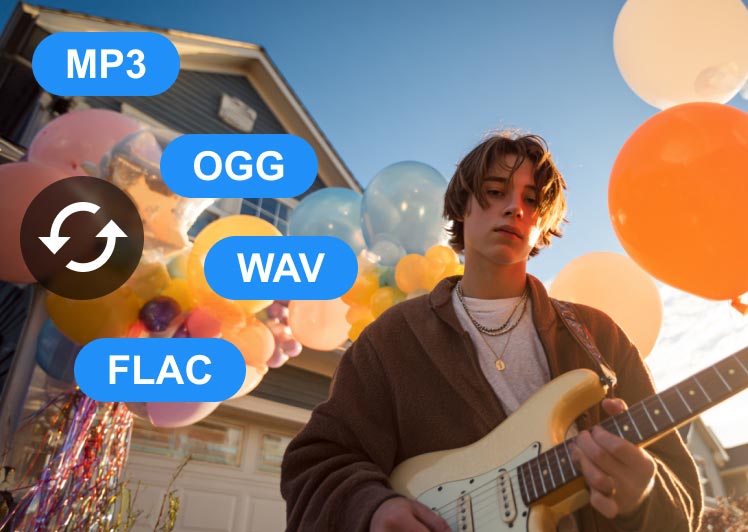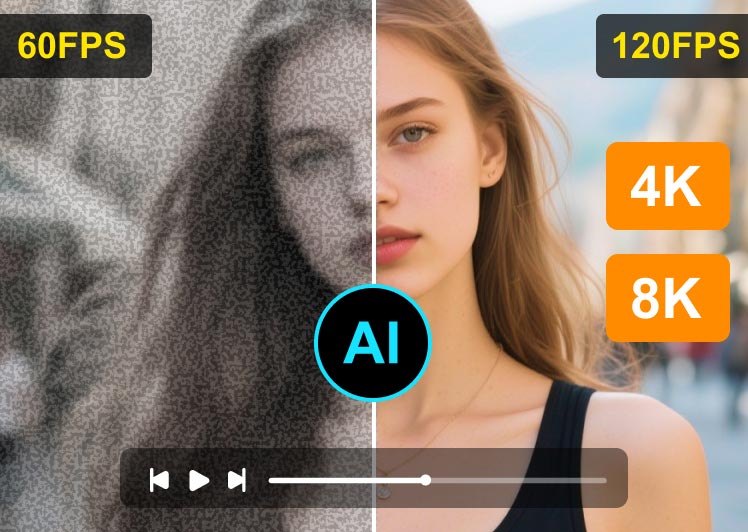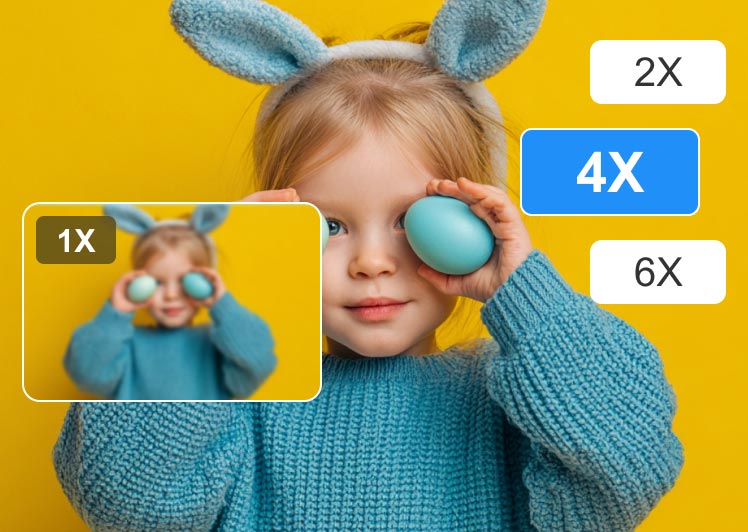
It is the most comprehensive and powerful multi-format video converter, and converts video files to 200+ formats and devices fast without quality loss.
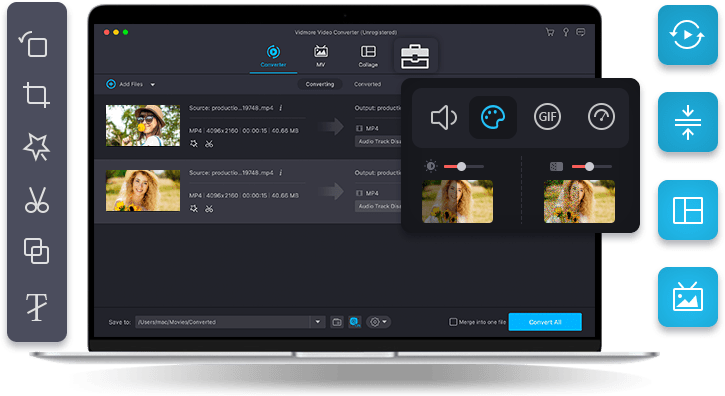
Vidmore Video Converter supports converting all popular video and audio formats. It allows you to export video or audio into a wide range of formats and devices. With it, you can easily choose an output format and convert your media files to make them compatible with any device and platform.
Vidmore Video Converter enables you to convert all common media formats, including AVI, MKV, MOV, MP4, WMV, WebM, M4V and FLV. You can easily change the format of your video file.
This Converter can convert audio to common file formats, like MP3, WAV, WMA, M4A, etc. The steps are simple: add a file, set the output format, and export it. You can change the sound file’s format.
This video processing software offers you over 100 presets for all popular devices and gadgets, including the latest models of iPhone, iPad, Samsung Galaxy, Sony PlayStation, TV, and more.
With Vidmore Video Converter, you’re able to fully control the video quality. This software can preserve the original quality of your videos, including those in 1080p HD and 4K Ultra HD. The professional video processing algorithms maintain the high visual quality, but at a smaller file size.
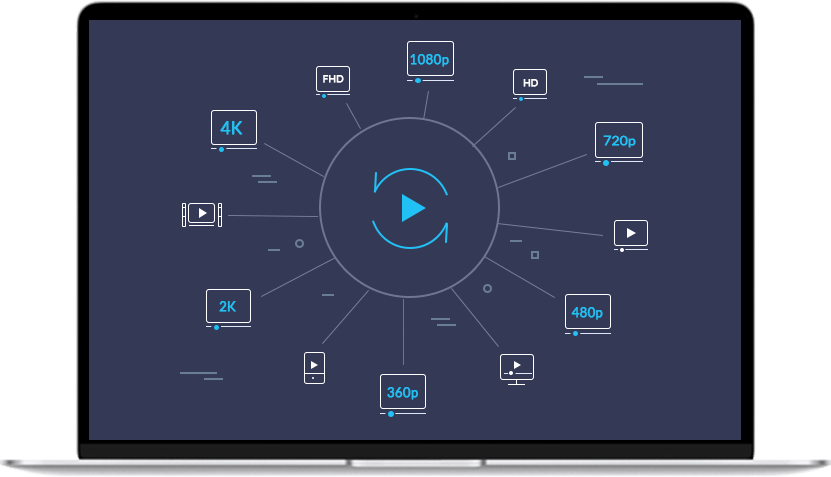

Convert 4K UHD videos to any video format for any device

Output videos to 1080p HD and 720p HD with great picture quality

Enjoy the benefits of optimal transcoding without quality loss

Optimize output profiles with carefully designed built-in settings
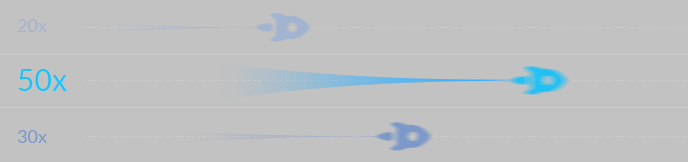
Vidmore Video Converter is recognized as the fastest video converter for Windows and Mac. With the world's most advanced acceleration technology, you can convert your videos at 50x faster speed. The conversion speed increases dramatically on computers with Intel CPU, NVIDIA and AMD graphics.
With the high-speed video processing algorithms, Vidmore Video Converter can convert videos to 4K/1080p HD quality at 50X faster speed.
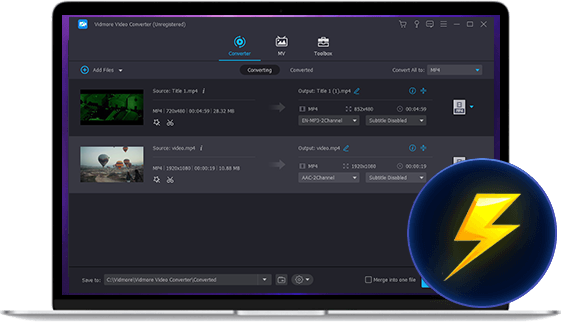
 Hardware Acceleration
 Support advanced hardware acceleration of NVIDIA CUDA, NVENC, Intel QSV and AMD APP to achieve fast video conversion.
 Optimization for Multi-core Processor
 Make full use of your multicore processor to convert video files with different cores, accelerating each single file conversion.
Whether it’s a life-changing moment like a wedding or an ordinary moment like first time traveling, our fully-equipped movie maker has rich templates for all kinds of occasions. Add your favorite photos, footage, and music to create your own gorgeous photo video slideshow movie in minutes.
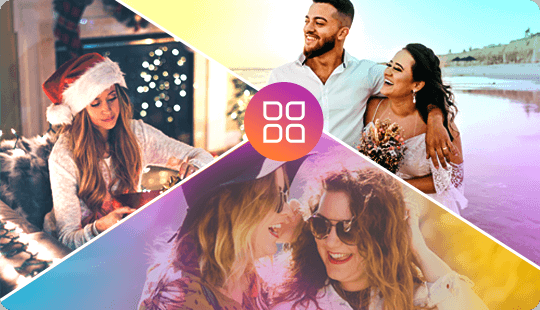
Various Templates for Your Photo Video
This super-simple photo video maker makes it easy to tell life’s stories and memorize special occasions such as weddings, fellowship reunions, business dinners, holidays, or birthdays. You can also add music, texts, effects, etc. to customize your photo video to perfection.
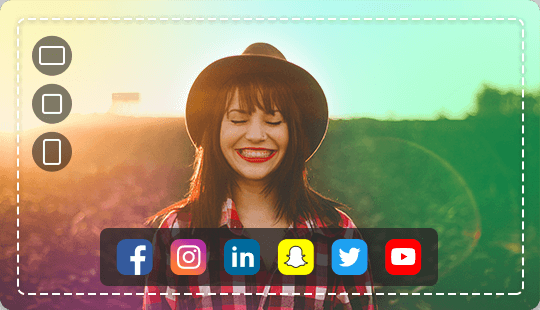
Create Videos for Different Platforms
After polishing your movie, you can save the stunning creation as MP4, MOV, or any other popular formats. Additionally, you can post it to your preferred sites – including YouTube, Facebook, Vimeo, and many others to impress your family, friends, or followers.
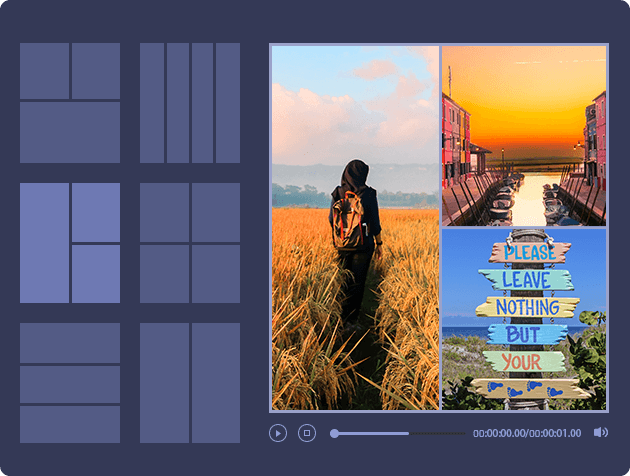
Build a beautifully-designed video collage with videos, images, music, and GIFs in a few minutes. Vidmore Video Converter’s collage maker is easy to use and fun to explore.
Choose from our designer-crafted layout grids to make your videos stand out. You can add color to your layout, and resize the collage grid flexibly.
Edit on the GoPerfect your video collage creation by our simple-to-use editing tools. Easily edit your videos, and add texts, subtitles, filters or effects to produce a masterpiece.
Add Music to Video CollageTo create a stunning music video collage, you can add your favorite song to play in the video for evoking a certain mood.
Vidmore Video Converter is equipped with a built-in lightweight video editor, and allows you to create and edit your personalized videos with ease. It can meet all the common video editing demands with an easy-to-use interface. Find out what you can do with these editing options.

It is a rare luck when the video doesn't need trimming or splitting. With Vidmore Video Converter, you can chop off the end or start of the video, or both, to cut a clip from the middle of the video. This function makes it easier than ever to shorten a video.
This trim function also comes in handy when you need to split a long video file into small clips. After you cut out the wanted segments, the software can output each clip separately or merge them into a new video without quality loss.
Check out the full tutorial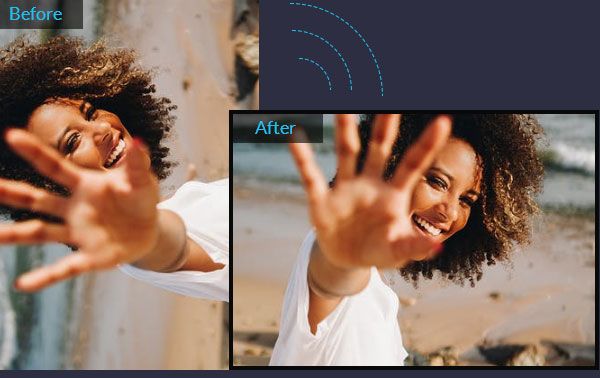
If you’ve ever recorded a video on your smartphone, only to find it sideways or upside down, then you know how frustrating it can be to watch it later. It's an error made by many people. But don’t worry. Vidmore Video Converter offers a quick way to solve this problem.
This software can flip video vertically and horizontally, rotate 90 degrees, rotate 180 degrees or rotate 270 degrees. With a simple click, you’re able to save the rotated video in the correct angle as you request.
Check out the full tutorial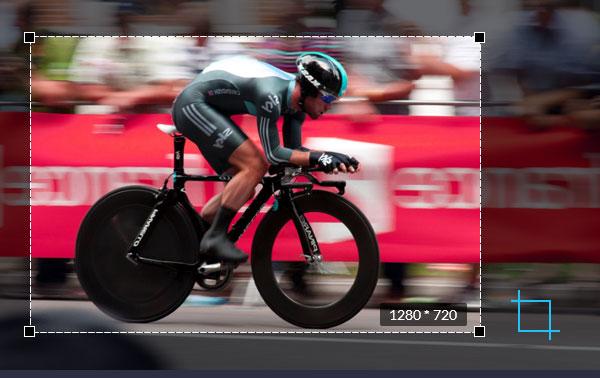
Have you ever downloaded a video that has a watermark in the corner area, or black edges around the area? If you need to cut out the unnecessary area of the footage, Vidmore Video Converter is your perfect solution.
With this crop function, you can easily crop a video and remove any unwanted clutter from the edge of the video. In just a few clicks you can clean up the frame and keep the audience’s attention exactly where you need it.
Check out the full tutorial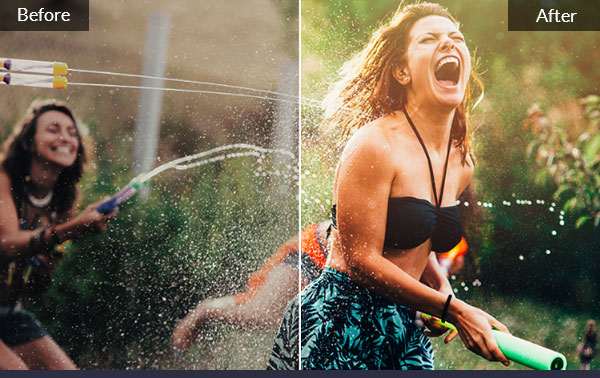
The most basic and essential video editing settings is none other than changing the visuals like brightness, contrast, saturation and hue. You can manually optimize your video shot by adjusting these effects. Use Vidmore Video Converter to make personalized videos with stunning visuals.
Sometimes, you may want to increase the volume of a video so that you can enjoy it even in noise environment. In this feature, you can find a simple option to increase the volume up to 200%.
Check out the full tutorial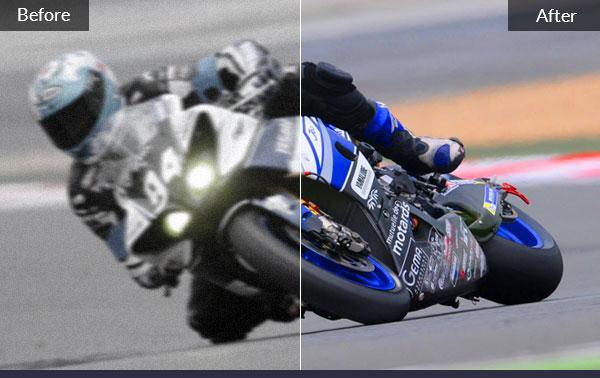
If you have downloaded a movie that is divided in several clips, you can easily use Vidmore Video Converter to merge the clips into a single file. With a simple click, you can combine the selected video files and export to a new file. No matter what formats the video clips are, the software can process and merge them together.
Also, when you cut a video into clips, you can active the merge option to combine the segments and create a new video.
Check out the full tutorial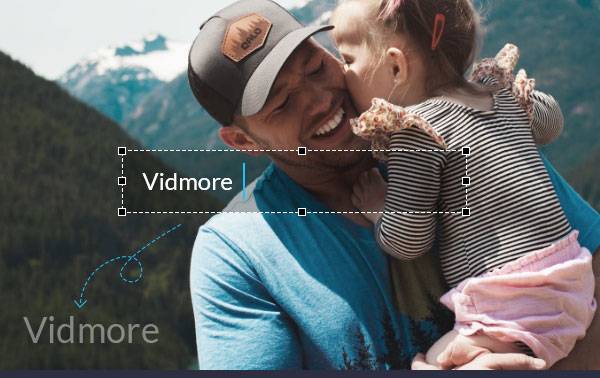
If you have recorded a video and want to upload it to YouTube, adding watermark or ownership information like signature is necessary. Viewers shall know the original creator of the content they are viewing.
With Vidmore Video Converter, you can protect your video content and brand by adding a watermark in your video. You can use text and image (logo) as your video watermark, and then share your video online.
Check out the full tutorial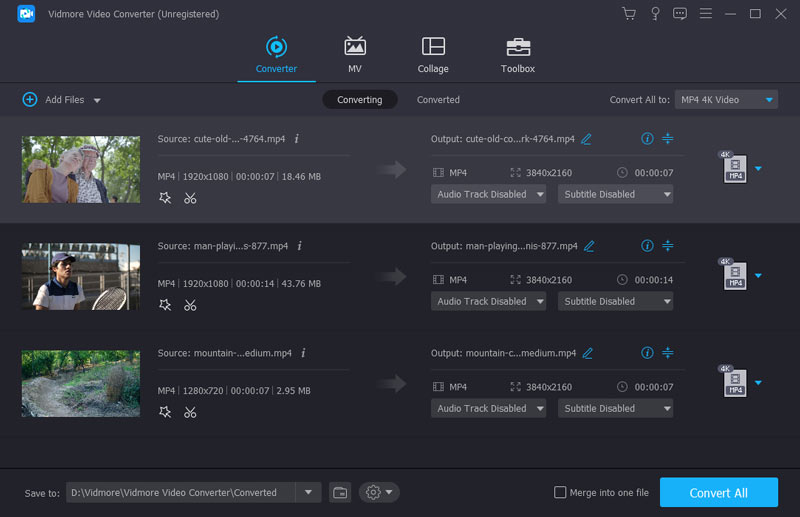

Click Getting Started to import the files that you want to convert, or directly drag and drop the files into the program working area.
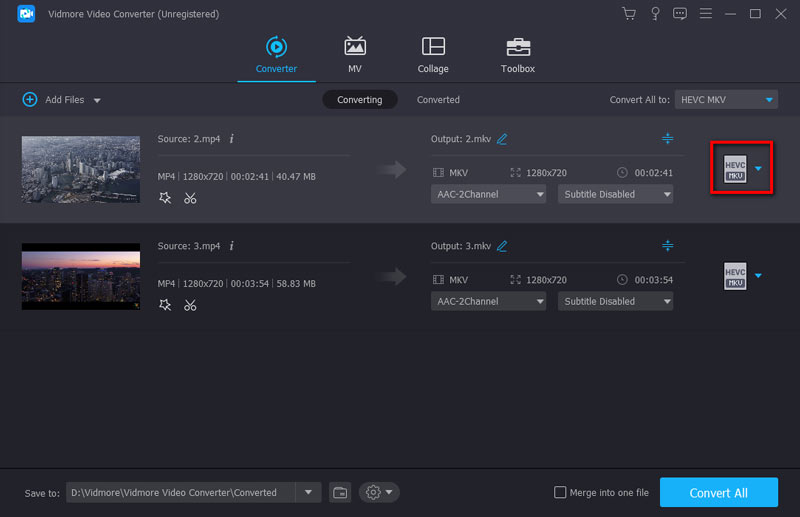
Click Profile and choose a target format for video/audio conversion, or a device type. You can also click Settings, Edit, or Cut to improve files.
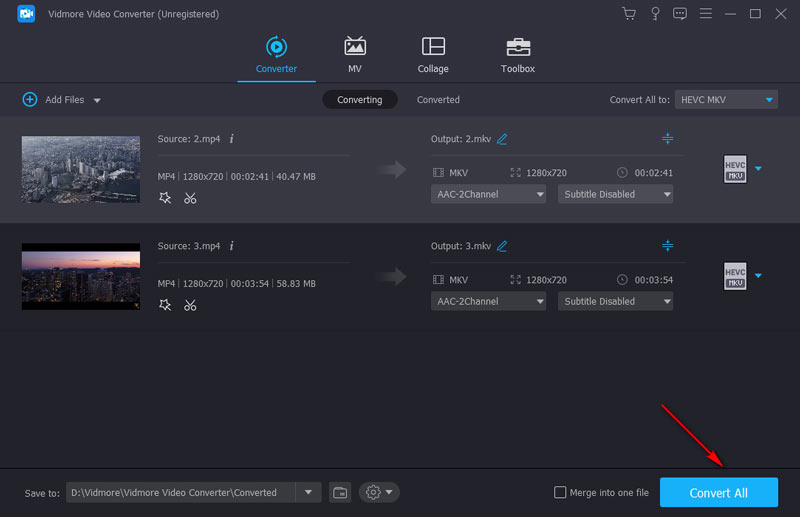

Finally, click Convert All to start converting your video/audio files. The process may take several minutes due to the file length.
Is Vidmore Video Converter free?
It’s free to download and install Vidmore Video Converter on your Windows/Mac computer. Plus, most functions can be tried in the free trial. For full features, you need to buy a license. The prices for Vidmore Video Converter are totally acceptable. Plans start at $14.95 for one month and $49.95 for the lifetime plan.
Is Vidmore Video Converter safe to use?
Vidmore Video Converter is guaranteed to be totally ad-free and malware-free. Security is an essential part of our products. We inquire about information to better serve our users and will never disclose user information or use it for any commercial purposes. Hence, you can safely download and make purchases from our official website.
Does converting a video reduce its quality?
Quality may decrease when the output uses lossy compression or lower resolution, bitrate, or frame rate. But Vidmore Video Converter can minimize quality loss, almost retaining the original quality of your video and audio. It supports 720p, 1080p, and even 4K resolutions.
Can I convert video to audio with Vidmore Video Converter?
Yes. With Vidmore Video Converter, you can extract the audio track from a video and save it as an audio file such as MP3, WAV, M4A, etc.
Can I edit videos in Vidmore Video Converter?
Yes, you can. Vidmore Video Converter is not only a converter but an editor. It can trim, rotate, crop, and merge videos. You can also add various effects or text/image/emoji/logo watermarks to it. Of course, watermarks can be removed if you don’t like them.
Vidmore Video Converter has been used by more than 110,000 users. Check out why customers love it.
The function of the video converter is just as advertised. The software is straight forward and no big learning curve on how to use it.
 Maria
Maria Very happy with this software. I have been able to convert videos from my Sony CX405. The editing features are very easy to use.
 Anderson
 I like the simplicity of use combined with powerful features. This software supports 4K videos with H.265 codecs. Very impressive.
 Shawn
Shawn We’ve collected lots of tips and tricks to help you fully understand the use of Vidmore Video Converter.


With Vidmore Video Converter, you can easily convert, compress and edit videos like a pro. Download this 4K-capable video processing software now, to enjoy a colorful digital life.
Windows, macOS (Mac OS X)
/ 4.8
Starting at $14.95
No Ads, No Malware

Subscribed Successfully!
 Video Converter