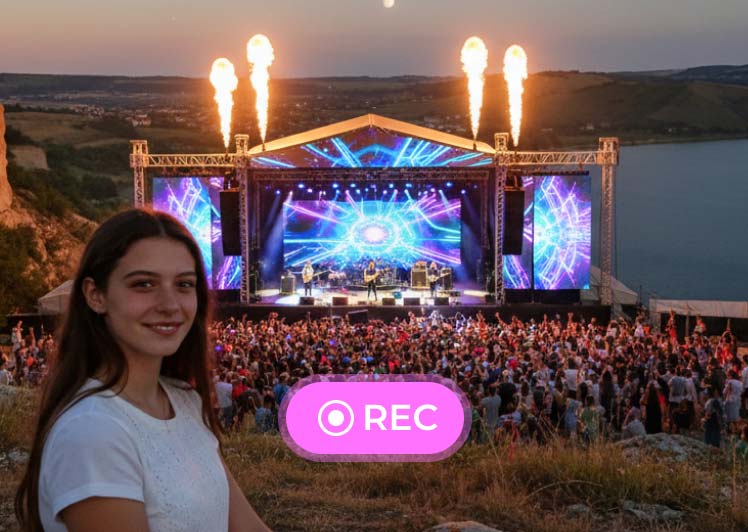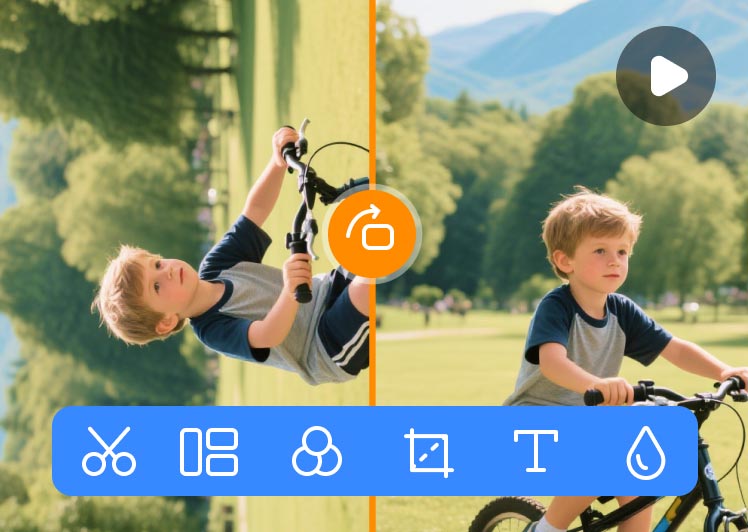

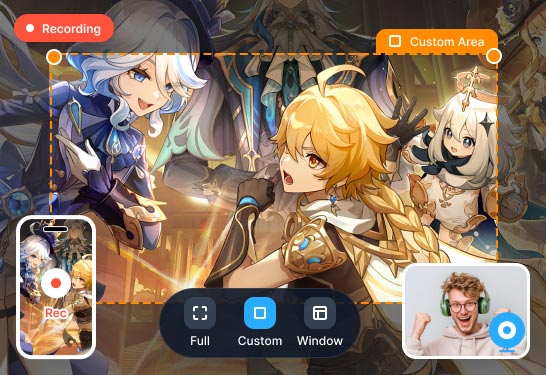
Multi-Mode Recording for Computer & Mobile
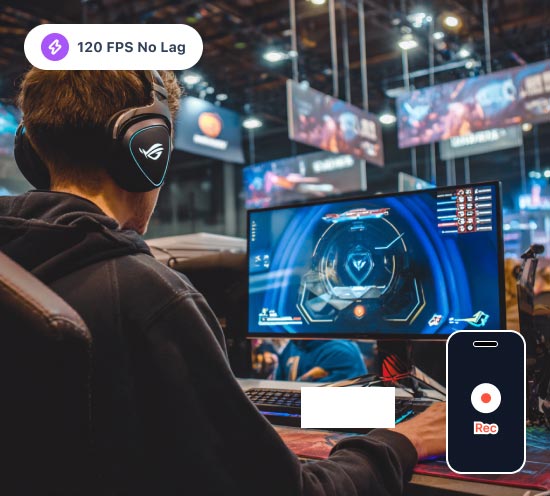
- Record the whole screen, program windows, or customized areas.
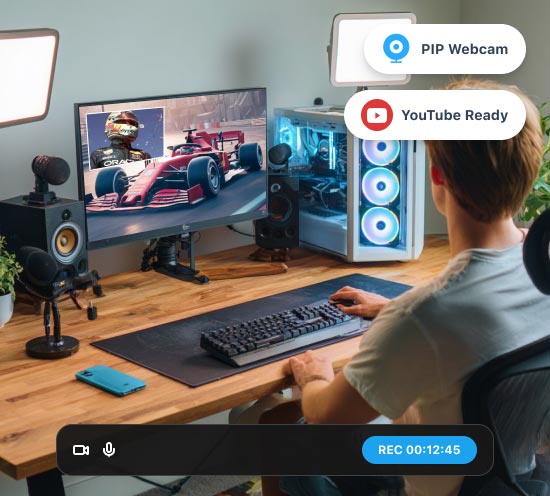
- Support webcam recording to create picture-in-picture clips.
- Mobile devices can be mirrored onto a computer for recording.

Vidmore Screen Recorder is a convenient and easy-to-use screen recording software that allows you to capture any part of your screen, record HD video and audio, and take screenshots any time you like.
100% Clean & Secure
30-Day Money Back Guarantee If our products have a quality problem within 30 days of purchase and we can't solve it within a reasonable time, a refund is promised.
100% Clean & Secure
30-Day Money Back Guarantee If our products have a quality problem within 30 days of purchase and we can't solve it within a reasonable time, a refund is promised.
 4.5
4.5  4.7
4.7  4.0
4.0  4.1
4.1  4.2
4.2 Multi-Mode Recording for Computer & Mobile
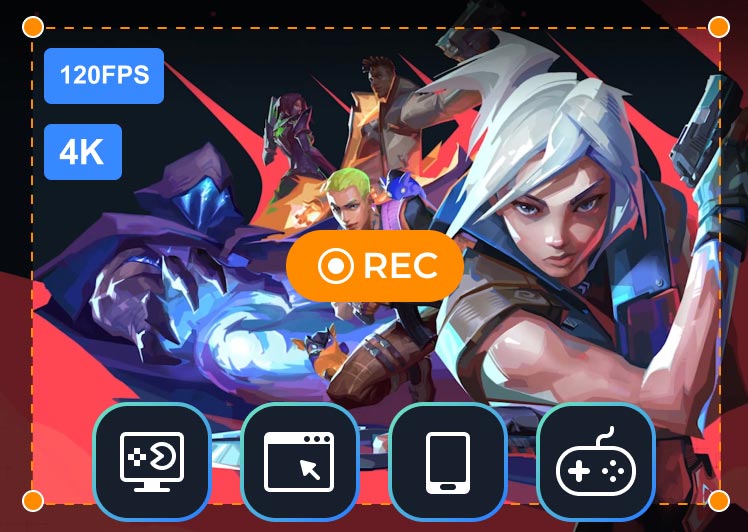
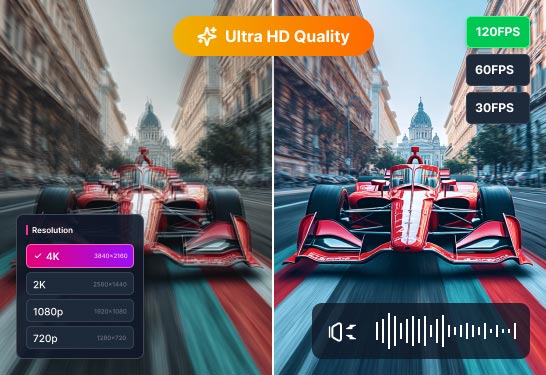
High-Quality Recording Up to 4K & 120 FPS
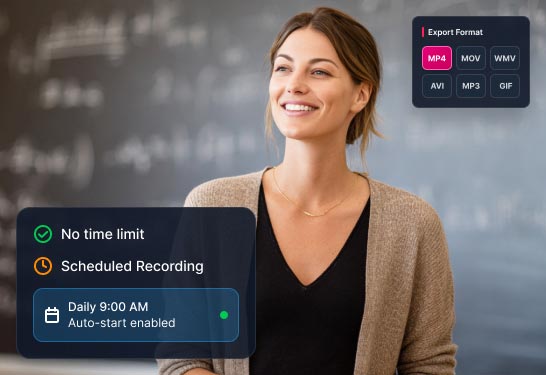
Unlimited Time/Format & Task Recording
Record Audio from Flexible Sources
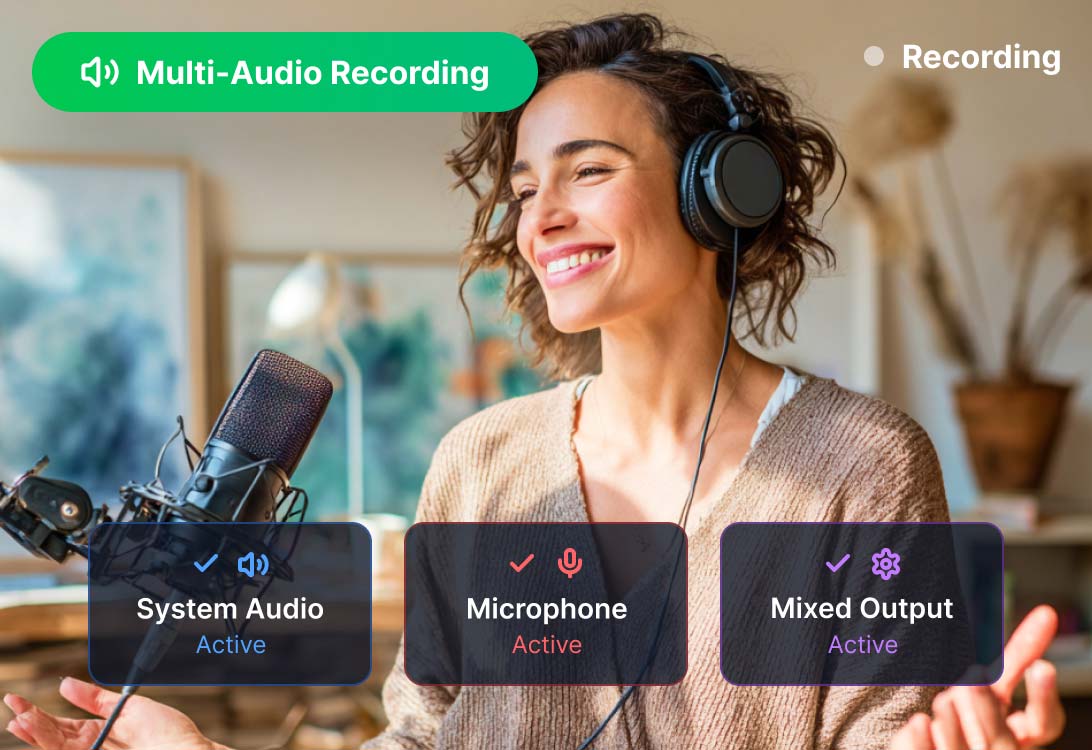
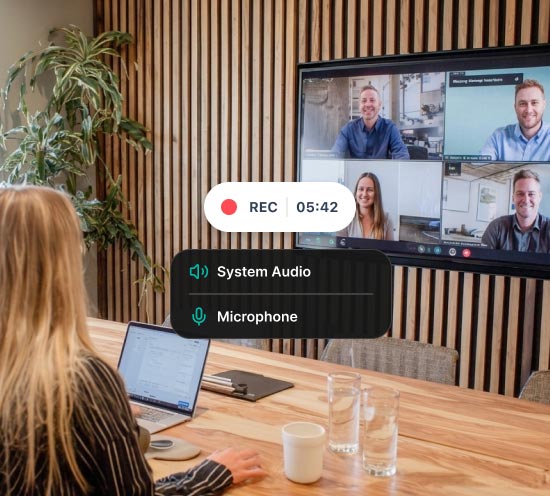
Vidmore Screen Recorder can not only quickly capture audio from your computer’s system or an external microphone, but also offer dual-track recording simultaneously.
With it, you can configure your audio settings to capture clear computer audio along with your own voice. This is the ideal application for generating and dealing with high-quality voiceovers, podcasts, and commentary.
Take Screenshots with Just One Click
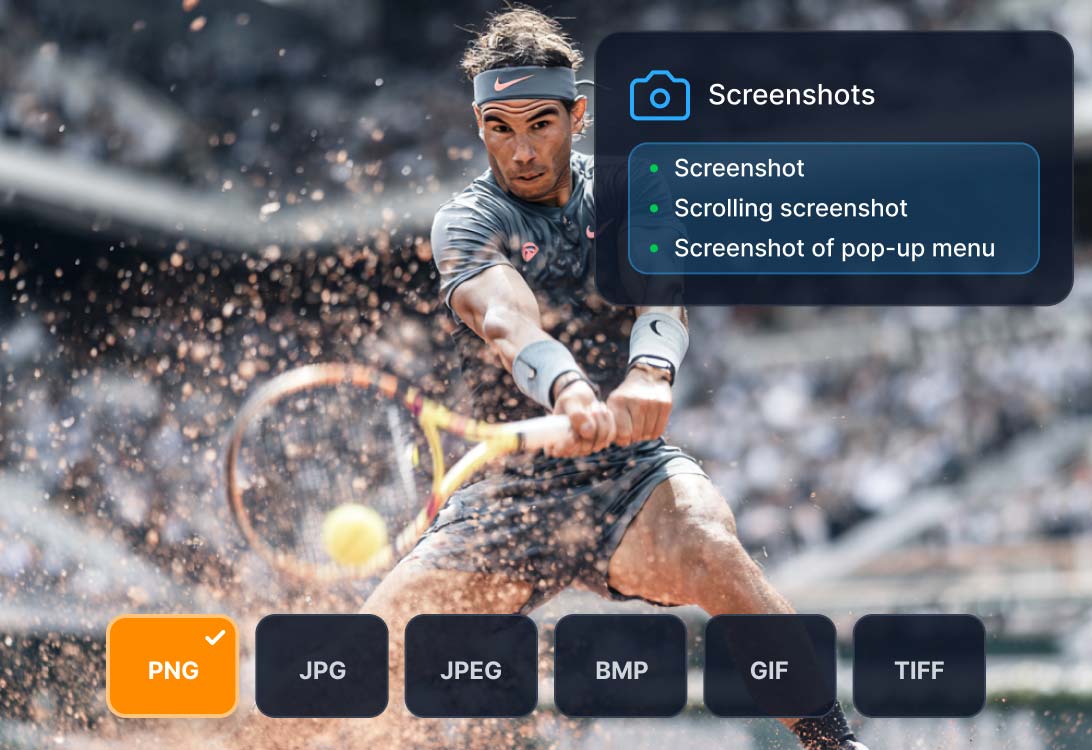
Taking screenshots becomes easy with the help of flexible screen capture software - Vidmore Screen Recorder. It allows you to take standard screenshots, scrolling screenshots for long web pages, and even specific pop-up menu captures.
About exporting, there are various output formats for saving your screenshots, including PNG, JPG, JPEG, BMP, GIF, and TIFF. Easily fulfill your requirements!
Vidmore Screen Recorder is a powerful screen capture software for everyone to create their own video or audio masterpieces. It’s friendly to brand new users and experienced YouTubers, vloggers, gamers, lecturers as well as video creators.
 Select Area
 Record your full screen or select the area you want to record.
 Real-time Annotation
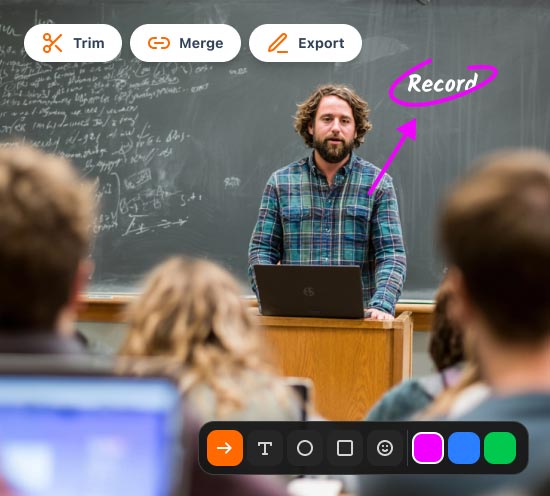
 Add text, arrows and shapes to your recording or screenshot.
 Mouse & Keyboard Effects
 Add mouse and keyboard operation effects while recording.
 Set Video Quality
 Set output video format, video codec and video quality.
 Scheduled Recording
 Set the task name, starting time and ending time and duration.
 Trim Recordings
 Choose the start and end time for your clip after recording.
 Record GIF
 Set the output video or screenshot format as GIF file.
 Set Hotkeys
 Set hotkeys for start record, pause record, screen capture, etc.
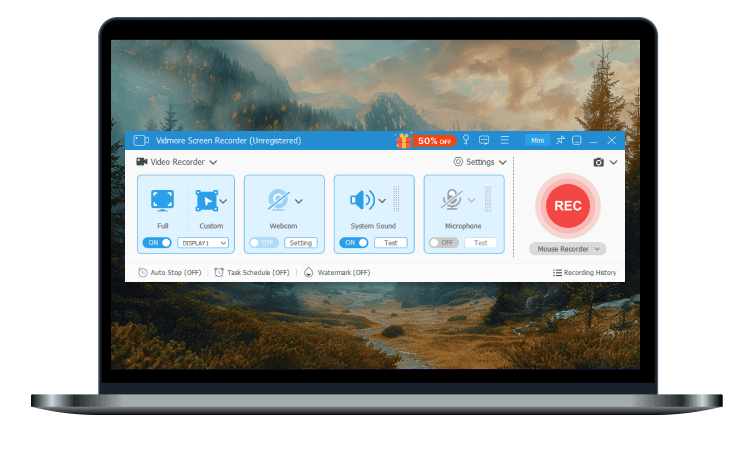 Step 1. Select Screen Area
 Hit the “Video Recorder” button. Choose to capture the full screen or a custom screen. Just click “Custom” > “Select region/window” to select a certain part on your computer screen.
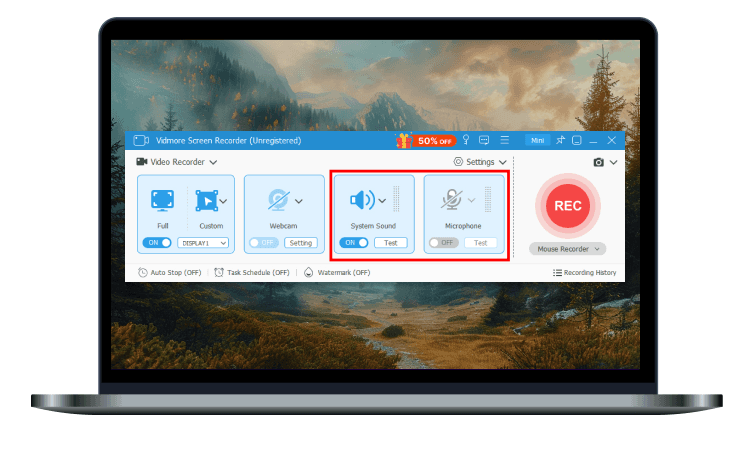 Step 2. Adjust Recording Setting
 If you want to record a conference or an online chat, you can turn the slider to keep the System Sound or Microphone on.
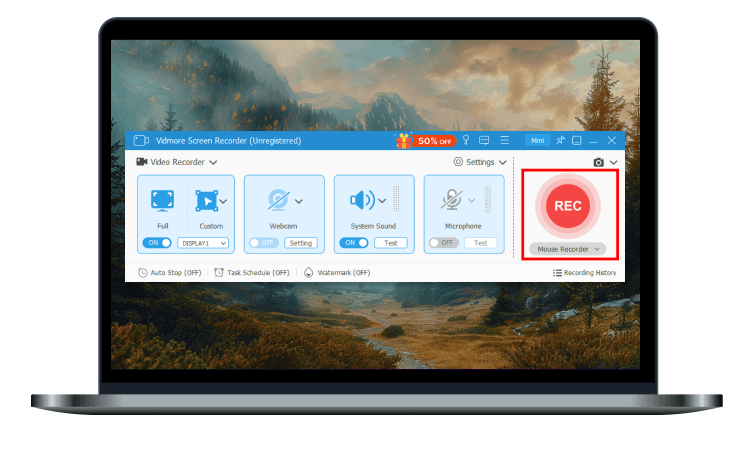 Step 3. Start Recording
 After the settings of recording area and audio, you can click the red “REC” button to start screen recording.
How do I record my screen with sound on Windows 11?
Open Vidmore Screen Recorder and choose the Screen Recorder mode on the control panel. Select the recording area and enable System Sound and Microphone. You can also open Webcam to record picture-in-picture clips. After setting, click REC to start recording your screen with sound.
How to record part of my screen?
First, you can select Screen Recorder > Custom to select a region or window. You can also choose a desired resolution from 480p to 4K. Or, if you need to record a specific window, you can select Window Recorder and choose one from the open windows.
Can I record system sounds with Vidmore Screen Recorder?
Yes, Vidmore Screen Recorder supports recording system audio or an external microphone, and also offers dual-track recording simultaneously.
Can I record computer games with Vidmore Screen Recorder?
Yes, Vidmore Screen Recorder has a Game Recorder mode, which is specially designed for gameplay recording. Using this mode, you should launch your game first, and then select it in the program. Turn on the webcam, system sound and microphone as needed.
Is a desktop screen recorder better than an online screen recorder?
Yes. Desktop screen recorders usually offer better stability, higher image quality, more features, and larger storage. While online screen recorders are more convenient for quick, simple recordings without installing software.
Rating: 4.8 - based on 1514 ratings
Pricing: Starting at $14.95
Languages:


Windows: Windows 11, Windows 10, Windows 8.1, Windows 8, Windows 7
Mac: Mac OS X 10.13 or later
RAM: 4 GB
Hard drive space: 120 MB
Learn More >
Best screen recorder I’ve ever used! Very convenient to use. I can choose the recording area. While recording, I can even draw some arrows, notes on the screen recording.
Emily
Very helpful! I like playing music with my guitar. Vidmore Screen Recorder helps me record my songs. The sound quality is quite good.
Josh
Recently, I just started playing games. This powerful screen recording tool helps me record the gameplay, so that I can watch the video and improve my skills.
Brian
Vidmore Screen Recorder is a convenient and easy-to-use screen recording software that allows you to capture any part of your screen, record HD video and audio, and take screenshots any time you like. - Read more
Ann Young
The software impressed me for its multiple functions, and it helps me record videos, even audio. At the start, I thought there was only a sound recorder capable of recording audio, but now Vidmore Screen Recorder has come out to aid me.
Alden
I have to speak based on the fact that Vidmore Screen Recorder helps me save an amount of money to buy a professional recorder. Fantastic!
Baron
Can you imagine that I can set hotkeys for a start and pause record? This software allows me to edit or trim the captured videos and audio.
CarlisleVidmore Screen Recorder is considered as the best screen recording software for Windows and Mac. With its advanced hardware acceleration technology, you can record any screen with excellent quality at a high speed.
Top 10 Mouse Recorder – Record and Replay Mouse & Keyboards Actions

Tutorial to Record a Zoom Meeting with or without Permission
Tutorial to Record WhatsApp Video Calls on iPhone/Android/Desktop
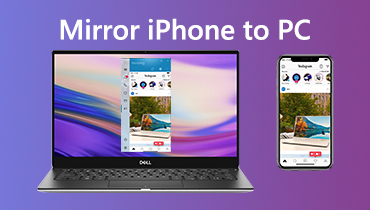
How to Mirror iPhone/iPad Screen to Windows PC without USB
 Get Vidmore Screen Recorder Now!
 Vidmore Screen Recorder is the ultimate screen capture and video recording software for Windows and Mac. Way more than a basic, free screen capture tool. Start today for free!
100% Clean & Secure
100% Clean & Secure
30-Day Money Back Guarantee
30-Day Money Back Guarantee

Subscribed Successfully!